
Modern AI operations is the discipline of running AI systems, including predictive models, language models and AI agents, as dependable parts of your daily business. It covers design, evaluation, deployment, monitoring, governance and continuous improvement. It is not the same as AIOps, which applies AI to IT infrastructure, and it goes beyond scripted automation, because the systems can interpret context and act on it. This guide explains the difference, the processes AI can run, the controls you need, and how to prove it pays off.
TL;DR
- Modern AI operations means managing AI systems across their whole lifecycle in production, not just launching a pilot.
- Rule-based automation handles predictable tasks. AI agents handle variable inputs and exceptions, which is also why they need guardrails and human oversight.
- Start with one bottleneck, one reliable data source and one measurable outcome, then scale what works.
- Governance (monitoring, audit trails, escalation to people) is part of the build, not an add-on.
- Measure with metrics tied to the process: cycle time, error rate, first-pass yield, escalation rate.
Table of Contents
- What modern AI operations actually means
- How it differs from traditional automation
- Which business processes AI can run
- How to pick your first use cases
- The data, systems and oversight underneath
- Risks and how to manage them
- Our perspective: operate AI like a workforce, not a tool
- Measuring whether it works
- A staged path from pilot to operation
- Where POW IT UP fits
- FAQ
- Sources
What modern AI operations actually means
The phrase gets used in three different ways, and mixing them up leads to bad buying decisions.
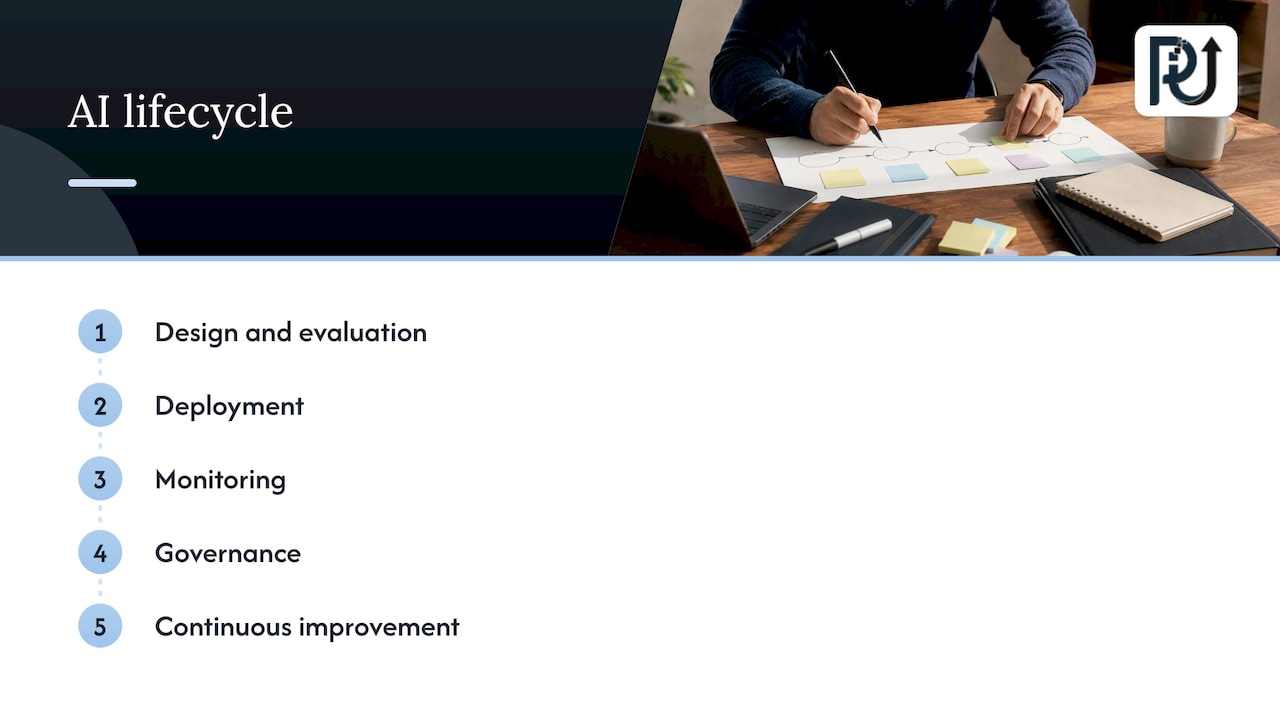
1. Managing AI systems themselves. SAS describes modern AI operations as managing AI across its full lifecycle, from design and evaluation through deployment, monitoring, governance and continuous improvement. The same page frames it as broader than MLOps: it adds observability, reliability, security, auditability and alignment with business outcomes for AI running in production.
2. Using AI to run business operations. This is what most operations leaders mean. AI prepares information, reviews documents, routes work, watches deadlines, follows up and escalates exceptions. Moxo’s operations guide separates this from AIOps: business AI supports operational processes and decisions, while AIOps focuses on IT infrastructure, applications, incidents and service reliability.
3. AIOps for IT. Monitoring, incident response and resource management for technology teams. Useful, but a different job.
In practice, a modern AI operation is both of the first two at once: AI doing real work in your processes, and a disciplined way of keeping that AI accurate, accountable and under control. EC-Council’s framework treats AI operations as an integration layer that joins DevOps, DataOps, MLOps, governance and operational resilience so AI systems stay stable, secure and aligned with business goals.
If your company is not in IT services, the practical takeaway is simple. You do not need an AIOps platform. You need working AI in your core processes, plus the habits that keep it trustworthy.
How it differs from traditional automation
Traditional automation follows rules. If an invoice arrives in this format, copy these fields here. If a ticket contains this word, route it there. That works well when inputs are predictable, and Moxo notes that rule-based automation fits predictable tasks, while AI earns its place when inputs vary, context must be interpreted, or exceptions cannot be captured in simple if-then logic.
Cisco’s description of agentic operations adds the next step: agents can reason step by step, sequence tasks, use tools and data, and adapt to conditions. That adaptability is the value, and it is also the risk. A script fails loudly when something unexpected happens. An agent may try something. So the same source stresses policy guardrails and human oversight.
| Scripted automation | AIOps | Modern AI operations | |
|---|---|---|---|
| Main job | Repeat fixed steps | Detect and resolve IT issues | Run and improve business processes with AI |
| Handles variable inputs | Poorly | Within IT data | Yes, with context |
| Typical users | Any team | IT and DevOps | Operations, finance, service, support |
| Needs oversight | Low, breaks visibly | Moderate | High: policies, permissions, review |
| Example | Copy a field between systems | Correlate alerts into one incident | Read a contract, check it against policy, flag exceptions to a person |
The three are not rivals. Most healthy operations keep scripts for the stable steps and use AI where judgment and variation begin.
Which business processes AI can run
Operations management covers planning, inventory, supply chain, scheduling, quality, logistics, process execution and maintenance. IBM’s overview lists how AI supports them: forecasting, real-time analysis, bottleneck detection, predictive maintenance, routing, workflow automation and decision recommendations. The same guide cites a study in which AI-powered tools cut forecasting errors by up to 50% and lost sales from inventory shortages by up to 65%. Treat those as ceilings from one study, not promises for your company.
For service-based and back-office businesses, the more common wins look like this, drawing on the capability list in Moxo’s guide: intake and information preparation, document review, participant support, deadline monitoring, follow-up, routing and exception escalation.
Where we see the clearest fit
- Document-heavy work. Reading, extracting and validating information from invoices, applications, statements and contracts, with a person reviewing what the system is unsure about.
- Multi-step workflows with handoffs. Approvals, onboarding, claims and case management, where work stalls between people and systems.
- Monitoring and reporting. Watching portfolios, accounts or queues and surfacing the items that need attention.
- High-volume transactions. Work that grows with your customer count and currently grows your headcount with it.
If you want a deeper walk through process selection, our article on AI workflow optimization and governance covers it step by step.
How to pick your first use cases
Most stalled AI programs started with a broad ambition instead of a narrow problem. Moxo’s guide says the strongest use cases begin with a specific bottleneck, a reliable information source and a measurable outcome. OpenAI’s business guide points the same way: understand what AI is good at, teach employees the fundamental use cases, and prioritize the use cases with the biggest impact when you scale.
A simple screen you can run in an afternoon:
- List the time leaks. Where do skilled people spend hours copying, checking, chasing or reconciling?
- Check the data. Is the information the task depends on available, current and accessible to a system? If not, fix that first.
- Define the outcome. “Reduce invoice review time” is measurable. “Be more efficient” is not.
- Size the exception rate. If most cases are exceptions, the process needs redesign before AI.
- Name the owner. Every automated process needs a person accountable for its results.
Pick one or two candidates that score well on all five. Run them as a pilot with a fixed scope, then decide whether to scale. Our pilot-first plan for small and mid-sized businesses lays out how to set that scope.
A sensible way to extend what works is described in this piece on expanding AI operations across a team, which looks at productivity gains once an agency moves past first experiments.
The data, systems and oversight underneath
AI in production is only as good as what feeds it and what watches it. The SAS framework lists what AI workflows need: governed enterprise data and business context, evaluation, monitoring and orchestration, version management, policies and controls, and traceable, auditable records. Human oversight should support review, intervention and escalation.
Translated for an operations leader:
- Data. One agreed source of truth per process, with owners and access rules.
- Integration. The AI has to read from and write to the systems where work actually happens: your CRM, ERP, core system, inbox, document store. An agent that lives in a separate window becomes shelfware.
- Orchestration. Something has to sequence steps, hand off between agents and people, and retry or escalate on failure.
- Versioning. When you change a prompt, model or rule, you should know what changed and be able to roll back.
- Logs. Every decision and action should be traceable after the fact.
- People. Moxo’s perspective is that AI should prepare, review, support, predict and coordinate work while people keep responsibility for ambiguous, sensitive or consequential decisions. We agree, and we design for it.
Integration is usually where timelines slip. If you are weighing it, see how we approach AI integration with existing systems.
Risks and how to manage them
The honest list of risks is short and mostly manageable. SAS names changes in data, quality, performance and behavior over time, plus privacy, bias and compliance concerns. Its recommended controls: continuous evaluation and monitoring, policies and controls, traceable records, and human oversight and intervention.
What that means day to day:
- Drift. A system that was 97% accurate at launch can degrade when your documents, customers or rules change. Sample its output on a schedule and set an accuracy floor that triggers review.
- Overreach. Give agents the minimum permissions they need. Cisco’s guidance on agentic operations stresses policy, permissions and oversight precisely because agents act.
- Sensitive data. In healthcare, lending or insurance, talk to your compliance counsel or privacy officer before any system touches regulated data. Which rules apply depends on your sector and state, and the right person to confirm is your own counsel, not a vendor.
- Consequential decisions. Keep a person in the loop for anything that denies service, moves significant money or affects someone’s health or livelihood.
Risk management is not a reason to wait. It is a reason to build the controls in from the first sprint, which costs far less than adding them after an incident.
Our perspective: operate AI like a workforce, not a tool
We design and deploy digital workforces made of autonomous, context-aware AI agents, and the lesson we keep returning to is that the build is the easy part. The hard part is the first six months after launch. A tool gets installed and forgotten. A workforce gets onboarded, supervised, measured and improved.
That shapes how we work. We start from a specific time leak instead of a technology. We build around your existing systems rather than asking you to replace them. We document what we build so your team can maintain it and you keep ownership of it. And we treat accountability as an engineering requirement: logs, thresholds, escalation paths, and a named human for every automated process.
We also think leaders should be skeptical of the pitch that AI means removing people. The value for most of our clients is that processing volume can grow without headcount growing at the same rate, while the people you have move to the work that needs judgment. For the engineering steps beyond a pilot, see our guide to scaling AI operations past the pilot.
— Syed Naveed Abbas
Measuring whether it works
Pick metrics before launch, record a baseline, and compare. Moxo’s guide recommends matching metrics to the use case:
| Process | Metrics to track |
|---|---|
| Intake | Completion time, error rate |
| Document review | Review time, first-pass yield |
| Support | Resolution rate, escalation rate |
| Routing | Queue time, SLA adherence |
| Forecasting | Forecast accuracy |
| Quality | Defect and rework rates |
| Reporting | Reporting time, action closure |
These come from the metric list in Moxo’s guide. Add two of your own: the cost of exceptions (how much human time the leftover cases take) and the share of work that completes without human touch. A rising touchless rate with a stable error rate is the clearest sign the operation is maturing.
Review results monthly at first. If a metric flat-lines after the first quarter, the process, not the model, is usually the constraint.
A staged path from pilot to operation
- Weeks 1 to 2: Scope. One process, one baseline, one owner, one success measure.
- Weeks 3 to 8: Build and shadow. The system runs alongside your team. People compare its output with their own.
- Next phase: Supervised go-live. The system does the work; people review a defined sample and every low-confidence case.
- Then: Expand. Add adjacent processes that share data and systems, so each one costs less than the last.
- Ongoing: Operate. Monitor drift, review logs, update rules, and revisit the metrics quarterly.
Timelines vary with data quality and integration complexity, so treat these as a planning shape, not a quote. The business case beyond licensing and build costs is covered in what pilots tend to miss on cost.
Teams that fold AI into sales and customer functions benefit from the same discipline. This overview of AI in service business growth shows how service firms approach visibility and lead flow, which is worth reading alongside your operations plan.
Where POW IT UP fits
We build the operating layer described above for fintech, healthcare, service businesses, logistics, insurance and other operations-heavy companies. That includes custom agents, integration into your systems, and the monitoring that keeps them reliable. Our AI Agents Development and AI Automation services start from one process and scale from there.
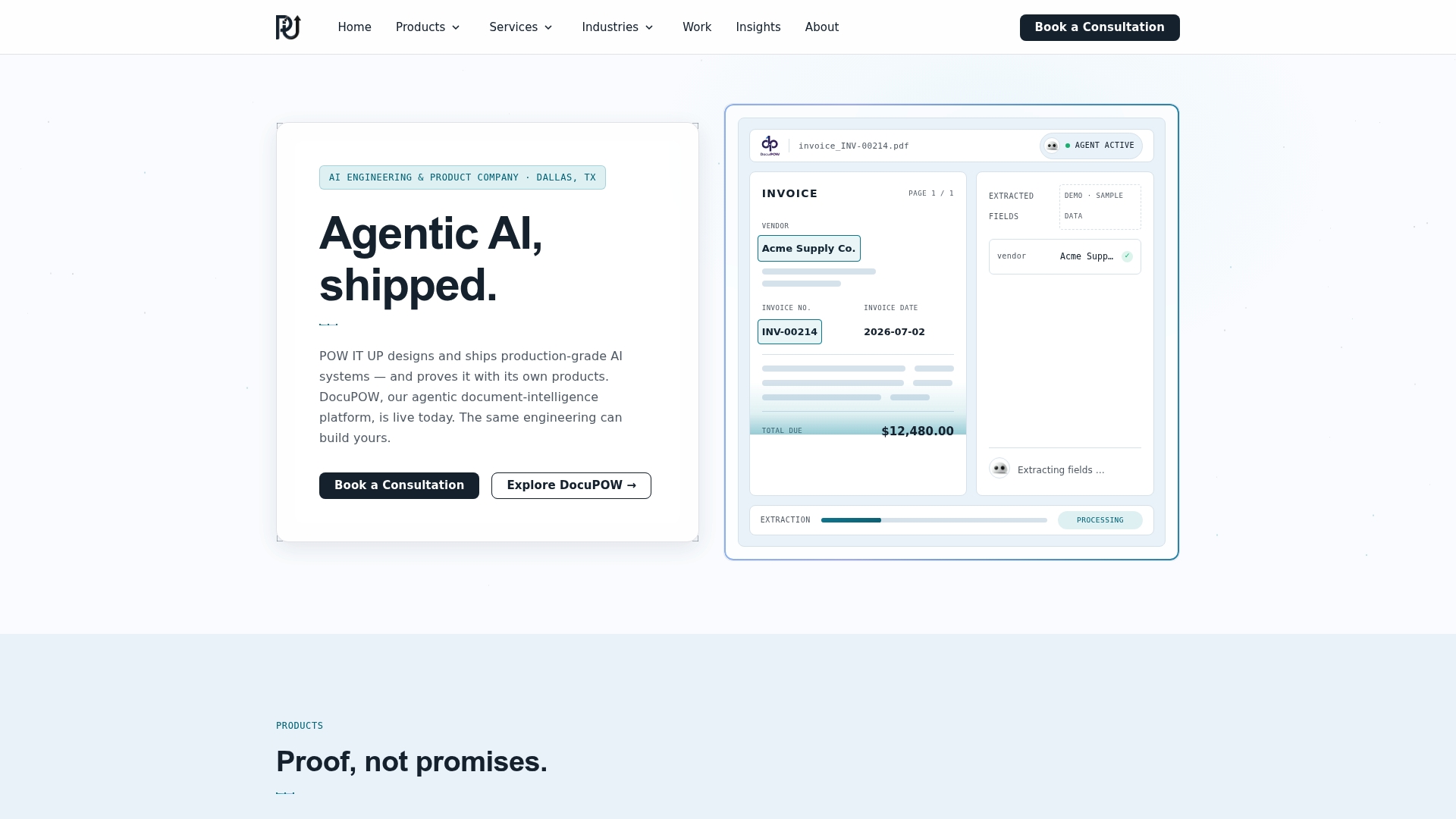
If documents are your bottleneck, DocuPOW reads and validates them, and you can see it work in a live demo before committing to anything.
Not sure where to begin? Talk to us about the one process that costs you the most time, and we will tell you plainly whether AI is the right fix.
FAQ
What is modern AI operations?
It is the practice of running AI systems, including models, language models and agents, across their full lifecycle in production: design, evaluation, deployment, monitoring, governance and continuous improvement. In a business context it also means using those systems to carry out real operational work under clear controls.
Is modern AI operations the same as AIOps?
No. AIOps applies AI to IT monitoring, incident response and resource management. Modern AI operations is wider: it manages AI systems themselves and applies them to business processes such as document review, routing and reporting.
What is AI in operations management?
It is the use of AI to support planning, inventory, scheduling, quality, logistics, process execution and maintenance. Typical uses include forecasting, bottleneck detection, routing and workflow automation, per IBM’s overview.
Do AI agents replace employees?
In well-run deployments they take over repetitive, high-volume steps while people handle ambiguous, sensitive or consequential decisions. The more useful question is whether volume can grow without hiring in proportion, and that depends on the process you choose and the oversight you build.
Sources
- AIOps | SAS
- AI in operations management: An implementation roadmap | Moxo
- What is agentic operations (AgenticOps)? | Cisco
- AI Operations Foundations | EC-Council
- 10 ways artificial intelligence is transforming operations | IBM
- Identifying and Scaling AI Use Cases | OpenAI
- AI for agencies: productivity results
- AI search visibility for service businesses