
Enterprise-grade AI automation for an SMB means software agents that take a case from start to finish across your systems, with permissions, audit trails and human review built in. It is not a chatbot or a pile of single-step scripts. You have five realistic ways to get it: no-code automation tools, suite-native assistants, robotic process automation, enterprise integration platforms, or custom-built agents. This guide compares them on the criteria that decide the outcome, then shows where we think a custom digital workforce wins.
TL;DR
- Enterprise-grade is defined by orchestration, governance and auditability, not by company size. An SMB can and should demand all three.
- Five option types exist. Each fits a different situation: simple app-to-app tasks, a single-vendor software estate, legacy desktop work, large integration programs, or processes that are specific to your business.
- Judge options on integration depth, customization, implementation effort, human oversight, security and scalability. Do not judge on subscription price alone.
- Before you deploy, require encryption, a current SOC 2 Type II report or equivalent evidence, a data-processing agreement and clear incident response terms.
- Measure results with a baseline: hours per case, error rate, cycle time and volume handled per person, before and after.
Table of Contents
- What “enterprise-grade” actually means for a small business
- The five ways SMBs get AI automation
- How the five types compare
- Match the option to the job
- Security and compliance checks before you deploy
- A note on where we stand
- Where POW IT UP fits
- How to measure whether it worked
- A short buying checklist
- FAQ
- Sources
What “enterprise-grade” actually means for a small business
The phrase gets misused, so start with a working definition. Basic automation repeats a fixed, rule-based task exactly as scripted: when a form arrives, send an email. Enterprise automation coordinates software across business systems at organizational scale, with integration and governance. An AI agent goes further: it holds a goal, works out the steps and calls tools to finish the case.
One practical way to see the gap: small-business automation usually serves a single team, such as email follow-ups or recurring reminders, while enterprise-grade automation orchestrates a whole process chain, like a procurement request that moves through approvals, budget checks and vendor communication to delivery.
Three properties separate the two in practice:
- Orchestration across systems. The automation touches your CRM, accounting package, document store and inbox as one process, not as four disconnected scripts.
- Governance. Role-based access, encryption, versioned models that can be rolled back, and complete audit trails. These are the controls enterprise buyers list as requirements for AI workflow automation.
- Deterministic where it matters. The strongest designs fix the steps that must be exact, such as refunds or identity checks, and let the agent use judgment only on work that cannot be scripted in advance. For back-office work like payroll, close and compliance, “almost right” is not good enough.
None of this requires a large company. A 25-person accounting firm processing client documents or a lender reviewing loan files has the same need for permissions and audit trails as a bank, just at lower volume.
The five ways SMBs get AI automation
There are many products on the market. Rather than ranking brands, it is more useful to compare the types, because the type decides most of what you will experience.
1. No-code automation platforms
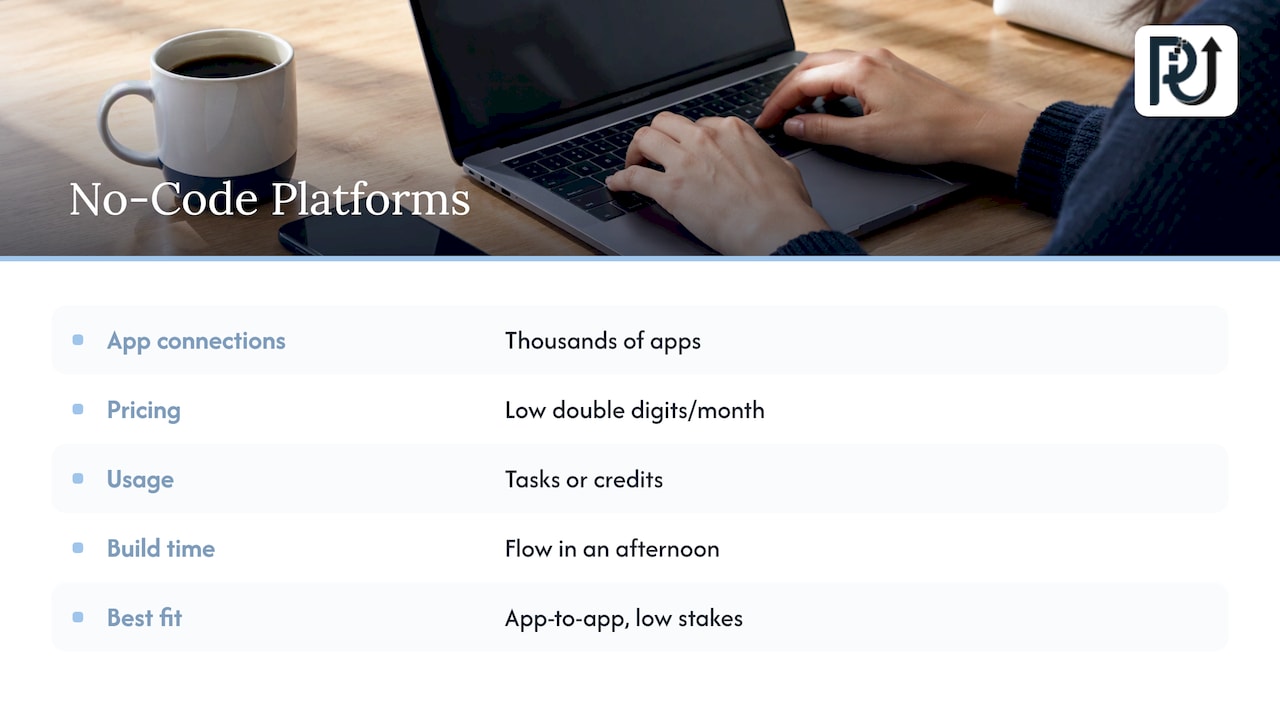
These connect thousands of apps through visual builders and now add AI steps and lightweight agents. Paid plans commonly start in the low double digits per month, with usage measured in tasks or credits. They are quick to start, and a non-technical employee can build a flow in an afternoon.
They fit best when the work is app-to-app and low stakes: syncing leads, posting notifications, filing attachments. They get strained when a process has many exceptions, needs a deep audit trail, or depends on reading messy documents.
2. Suite-native assistants
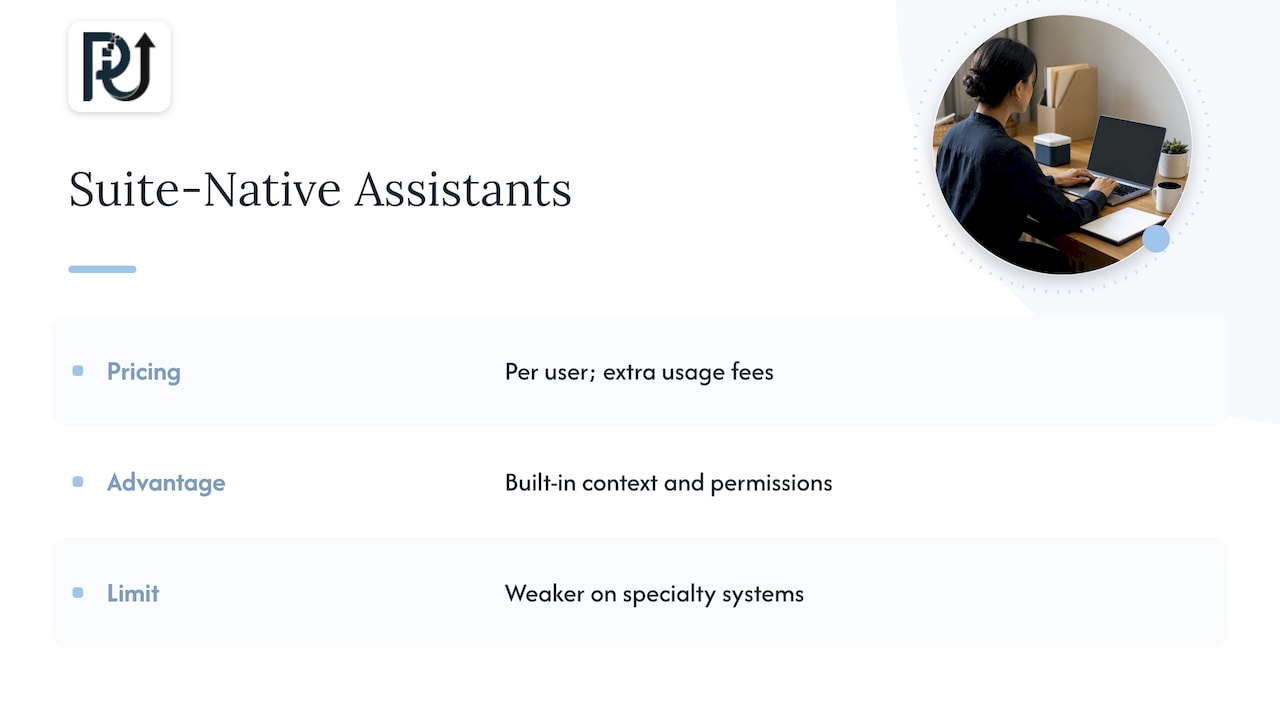
If your business already lives inside one vendor’s CRM, productivity suite or HR system, that vendor sells agents that use the data already there. Per-user pricing is typical, often with extra fees per transaction or per model use.
The advantage is built-in context and permissions. The limit is reach: the agent is strongest inside its own ecosystem and weaker on the specialty systems every SMB also runs.
3. Robotic process automation
RPA mimics a person clicking through desktop and legacy applications. It is useful when a system has no API. It is also brittle: when a screen layout changes, the bot can break, so it needs ongoing maintenance.
4. Enterprise integration platforms
These orchestrate hundreds of systems and handle complex approval chains with governance. They are strong but typically sales-led, with custom contracts and onboarding that takes weeks to months. For a company with a dedicated IT team and a large integration backlog, that can make sense. For a 40-person firm that needs one process live this quarter, it is often more than the job needs.
5. Custom-built agents and digital workforces
Here an engineering partner designs agents around your specific process, connects them to your systems, and hands you something you own and can maintain. It takes more design effort up front than a template, and it gives you the closest fit to how your business actually works.
This is the category we work in. Our AI agents development and AI integration services exist for processes that off-the-shelf tools handle awkwardly.
How the five types compare
| Criterion | No-code platform | Suite-native assistant | RPA | Enterprise integration platform | Custom agents (our approach) |
|---|---|---|---|---|---|
| Integrations | Very broad, mostly SaaS | Deep inside one vendor | Anything with a screen | Hundreds of systems | Built to your stack |
| Customization | Moderate, template-led | Limited to the suite | Scripted | High, with specialist skills | Designed around your process |
| Time to first result | Hours to days | Days | Weeks | Weeks to months | Weeks, scoped per project |
| Human oversight | Basic approvals | Handoff to staff with CRM context | Exception queues | Full approval chains | Review points designed in |
| Audit and governance | Varies by plan | Strong in suite | Moderate | Strong | Specified during design |
| Scales with volume | Cost rises with tasks | Cost rises with seats | Needs more bots | Strong | Volume grows without added headcount |
Two cautions apply to any table like this. First, subscription price is only one input: SMB buyers are better served by optimizing for integration complexity and time-to-value than by chasing the lowest monthly fee. Second, packaged products can reach working automation within days, while infrastructure-style products give more control at the cost of more build and governance effort. Decide which of those you need before you look at demos.
Match the option to the job
A fast way to choose is to start from the process, not the tool.
- Simple, low-risk, app-to-app? A no-code platform is a sensible start. Examples: lead routing, calendar confirmations, status notifications.
- Everything already in one vendor’s suite? Start with that vendor’s agents and see how far they go.
- A legacy desktop system with no API? RPA may be the only bridge.
- A document-heavy, exception-heavy or regulated process? This is where custom agents earn their keep. Think invoice and loan-file review, client onboarding packets, claims intake, portfolio monitoring.
Industry examples show the pattern. A lender spends hours collecting and checking borrower documents, which is why we wrote a lender guide to AI automation in loan processing. A healthcare practice needs intake and records handled with strict access controls. A logistics team reconciles shipping documents against orders. An e-commerce brand matches inventory, orders and customer messages. In each case the value comes from taking the whole case to completion, not from automating one click.
Security and compliance checks before you deploy
Small firms often skip this step because the vendor looks friendly. Do not. Before you sign, require the following, which a vendor-vetting guide for SMBs identifies as core checks:
- Encryption in transit and at rest.
- A current SOC 2 Type II report or equivalent evidence.
- Penetration testing and a documented incident response process.
- A negotiated data-processing agreement.
On SOC 2: it is a voluntary report based on the AICPA Trust Services Criteria, not a legal requirement. Type I covers the design of controls at one date, while Type II also tests whether they operated effectively over a period. When you receive a report, read its scope and listed exceptions, because the badge alone is not a full security assessment.
Ask also about access and logging: single sign-on, granular role-based permissions, and audit logs you can export. Depending on your industry, further requirements may apply, such as HIPAA with a business associate agreement for healthcare data or PCI-DSS for card data. If your automation touches employment decisions, biometric identification, credit scoring or insurance pricing, AI compliance checklists flag state AI laws as a topic to review. For anything beyond a general check, bring in your own attorney or compliance officer, since rules differ by state and industry.
A note on where we stand
Most SMBs we meet have already tried the cheap version. A few scripts, a no-code flow, maybe a chatbot. It worked until volume rose or an exception appeared, and then someone was back to doing it by hand.
We build the alternative: custom, context-aware agents that handle a process end to end. Our systems are designed to hunt down the time leaks in your operation, such as re-keying data, chasing documents and checking figures by hand, and to let you grow processing volume without growing headcount in step.
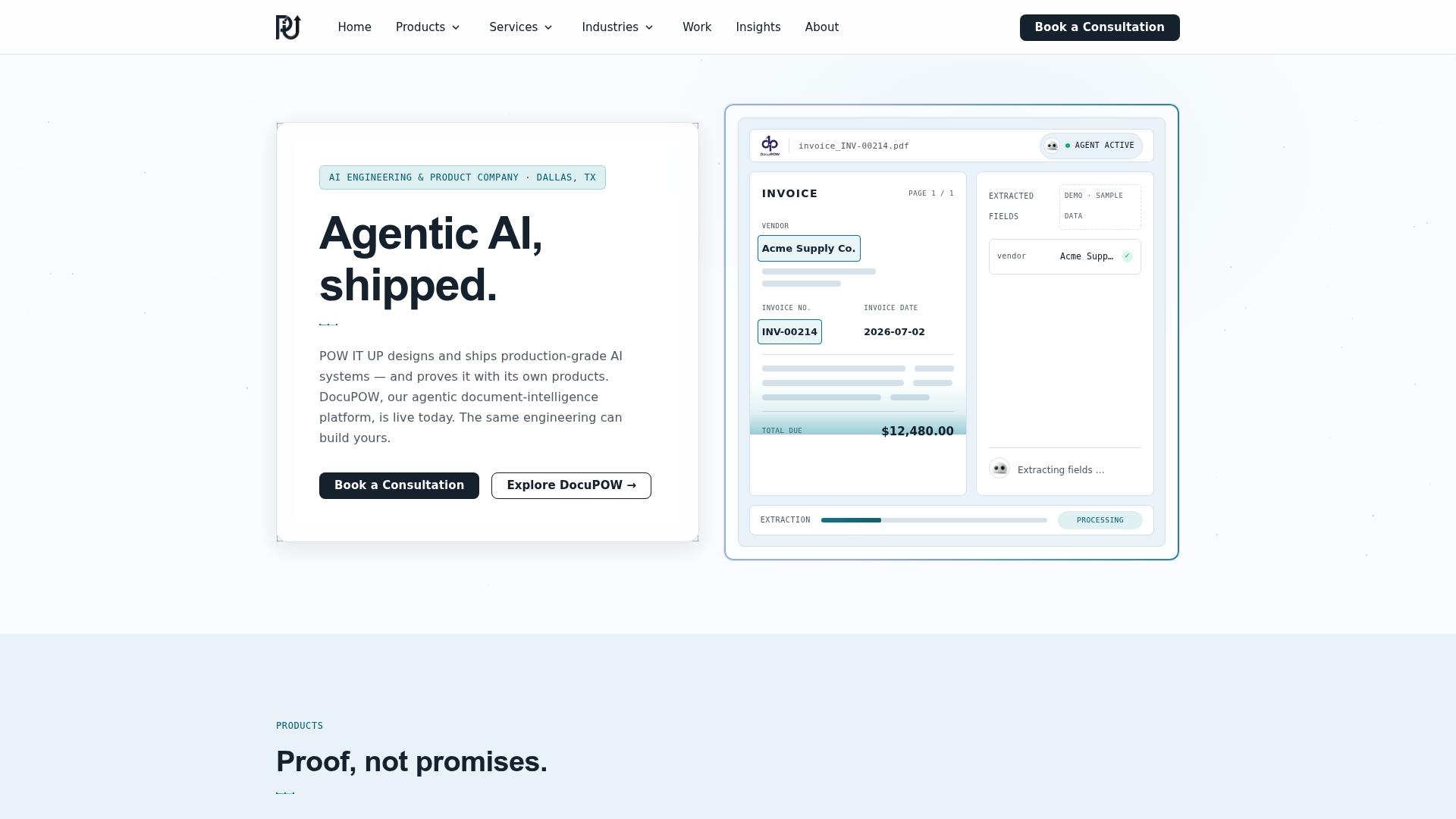
We hold ourselves to three standards. Engineering accountability, meaning documented, verifiable work. Transparent process, meaning you see how the system makes decisions. Durable ownership, meaning what we build is maintainable and yours. DocuPOW, our document reading and validation product, is a live demo of that approach, and you can see it working before you commit to anything larger.
Enterprise-grade should describe how a system behaves, not how big the buyer is.
Syed Naveed Abbas
Where POW IT UP fits
If your process is document-heavy, spans several systems or needs a clear audit trail, we should talk. We design and deploy custom digital workforces, and we also offer products for specific jobs. DocuPOW reads and validates documents, and AuraPOW supports portfolio monitoring and client health analytics. For scoping a larger build, start with our AI automation services page.
Pricing is project-based for custom work and subscription-based for DocuPOW. We do not publish a price list, so the quickest route to a figure is a conversation about your process. If you want a sense of how costs and returns are usually framed first, see our AI automation cost and ROI breakdown.
How to measure whether it worked
Automation without measurement turns into an anecdote. Set the baseline before you build, then track the same numbers afterward.
- Hours per case. Time a sample of 20 to 30 real cases end to end, including waiting and rework, not just keystrokes.
- Error and exception rate. How many cases needed correction, and where in the process were they caught?
- Cycle time. Elapsed days from request to completion. Customers feel this number.
- Volume per person. Cases handled per full-time employee. This is the clearest evidence of scaling without adding headcount.
- Review load. How much of a human’s day is now spent on exceptions and approvals, and is that the work you want them doing?
Run the new system alongside the old process for a short period, compare outputs, and keep a rollback path. Then decide on expansion from the numbers. Our guide on proving AI consulting ROI in 4 to 8 weeks walks through that approach, and how automation can save 100+ hours a month shows how hours add up across a typical operation.
A short buying checklist
- Can the system complete a whole case, or only one step?
- Which steps are deterministic and which use AI judgment, and who decided that split?
- Where does a human review, and what happens when the system is unsure?
- What logs exist, who can read them and how long are they kept?
- Who owns the workflows, prompts and data if you leave?
- What does it cost at twice your current volume?
A vendor that answers these plainly is worth a pilot. For a broader view of governance in workflows, our piece on AI workflow optimization and governance goes deeper.
FAQ
Is enterprise-grade AI automation realistic for a small business?
Yes, when it is defined by controls rather than company size. Permissions, audit trails, encryption and human review can be designed into any process. What changes for an SMB is scope: start with one high-volume process and expand from there.
What is the difference between basic automation and an AI agent?
Basic automation follows predefined steps exactly. An agent pursues an outcome, decides which tools to call and adapts to cases that were not scripted. The best designs combine both, with fixed steps for anything that must be exact.
Do I need SOC 2 from my automation vendor?
SOC 2 is voluntary, not a legal requirement, but a current Type II report is useful evidence that controls operated over time. Read its scope and exceptions, and ask for a data-processing agreement. If you handle health or card data, ask your compliance advisor about HIPAA or PCI-DSS obligations too.
How do I know if automation is paying off?
Compare a baseline with post-launch figures: hours per case, error rate, cycle time and cases per employee. If volume rises while staffing stays flat and errors do not increase, the automation is working.
Sources
- What Is Enterprise Automation? Types, Tools, and Where AI Fits
- Enterprise Workflow Automation: The Ultimate Guide
- Enterprise AI Workflow Automation: Scale, Govern
- AI Vendors Targeting SMB vs Enterprise Business Workflows
- The SMB Guide to Vetting AI Vendors for Data Security
- SOC 2 for Small Business (2026)
- AI Compliance Checklist for Startups