

AI agents automate business work by pursuing a goal instead of following a fixed script. They read messy inputs, decide the next step, use your software tools, and hand off to a person when the stakes are high. The companies that get results pick one high-volume workflow, keep people in the loop for risky actions, and measure the outcome against a baseline before expanding. This guide covers each of those steps.
TL;DR
- An agent is a model plus tools plus instructions. It adapts as conditions change, while traditional automation follows predefined paths.
- The best first workflows repeat at high volume, vary too much for fixed rules, and produce output that is cheap to check.
- Start with a mapped, deterministic workflow and add agents only where judgment is needed.
- Match autonomy to risk: require human approval for high-impact or hard-to-reverse actions, and log everything.
- Measure against a baseline taken before launch, then decide to scale, optimize or stop.
Table of Contents
- What an AI agent is, in plain terms
- How agents differ from traditional automation
- Which processes are worth handing to an agent
- A simple way to rank your candidate workflows
- How to design and deploy an agent in your existing systems
- Human oversight, security and governance
- Measuring results and deciding whether to scale
- Growing without growing headcount
- Where POW IT UP fits
- Our perspective
- FAQ
- Sources
What an AI agent is, in plain terms
OpenAI’s practical guide to building agents (January 2026) says an agent has three core components: a model that handles reasoning and decisions, tools such as APIs the agent can call to act, and instructions that set its behavior and guardrails.
That structure explains what agents can do in a business. The model reads an unstructured email, contract or invoice. The tools let it look up a customer record, update a CRM or create a ticket. The instructions tell it what it may do alone and what must go to a person.
Microsoft’s AI agent adoption guidance sorts enterprise agents into three kinds:
- Productivity agents retrieve and synthesize information.
- Action agents carry out defined workflow tasks.
- Automation agents run complex multi-step processes with triggers, tools and escalation paths.
Most operations teams care about the second and third kinds, because those are the ones that finish work instead of only answering questions. For a view of how this plays out in service teams, see our breakdown of types of AI agents for service teams.
How agents differ from traditional automation
Traditional automation is a set of if-this-then-that rules. It is fast, cheap and predictable, and it breaks when an input does not match the pattern it expects. An agent can be given a goal and asked to reason about how to reach it, and it can change its tool use and strategy as circumstances shift, as AWS describes in its guide for business leaders.
That flexibility has a price in management complexity. AWS advises matching autonomy to risk and keeping deterministic controls where errors must be close to zero. SAP describes the pattern most enterprises land on in its overview of agents in enterprise workflows: conventional automation handles routine, repeatable steps, agents handle changing conditions, exceptions and uncertainty, and people stay in place for review or approval.
| Question | Rules-based automation | AI agent |
|---|---|---|
| Input | Structured, predictable | Messy, incomplete, unstructured |
| Logic | Fixed paths | Reasoning toward a goal |
| When conditions change | Breaks or needs rework | Adapts tool use and approach |
| Best for | Routing, approvals, error handling | Interpreting documents, applying policy, exceptions |
| Oversight | Built into the rules | Approval gates, logs, escalation |
The practical conclusion is not to pick one. A well-built system uses both, and it puts the agent only where rules run out.
Which processes are worth handing to an agent
SAPinsider’s June 2026 research on suited processes found workflow automation and task routing most often delivering value, followed by conversational interfaces and decision support. Customer service and support led the areas where respondents had already embedded AI.
The same source gives a useful three-part test. A process suits an agent when it:
- Repeats at high volume. Low volume rarely repays the build.
- Varies beyond fixed rules. If a rule can handle every case, a rule is cheaper.
- Has output that is affordable to check. A person can review a sample or an exception queue without redoing the work.
When one of the three is missing, rules-based automation or a person may be the cheaper answer. Microsoft’s February 2026 white paper on building agents lands in the same place: agents earn their keep when they interpret unstructured inputs, apply judgment or policy context, or generate content, while routing, approvals and error handling are often better served by deterministic workflows.
Examples by industry
These are the kinds of work we see as strong candidates, based on the test above:
- Fintech and lending: reading application documents, checking them against policy and routing exceptions. Our loan processing steps guide and fintech workflow examples go deeper.
- Accounting and professional services: assembling recurring client deliverables from data spread across systems, covered in how AI automates recurring deliverables.
- Healthcare practices and insurance: intake paperwork, document validation and status follow-up, where a human signs off on anything consequential.
- E-commerce and logistics: order exceptions, customer inquiries and supplier communication that follow patterns but never quite the same pattern twice.
A simple way to rank your candidate workflows
List every workflow your team complains about, then score each on the signals below from 1 to 5. This is a working method we suggest, built on the SAPinsider test and on the point in Microsoft’s guidance that agents suit unstructured, judgment-heavy steps.
- Volume and frequency: how many times a week does it run?
- Variation: how often does an input break the rules you would write?
- Data access: can the agent reach the systems and documents it needs through an API or integration?
- Cost of an error: how bad is a wrong output, and can it be reversed?
- Review cost: how long does a person need to verify a result?
- Business impact: hours, dollars or response time recovered if it works.
High volume, high variation, good data access, low error cost and cheap review is your first build. Anything where an error is expensive and irreversible, such as payments or large refunds, can still use an agent, but only with an approval step. Before scoring, map the process end to end. Our guide on mapping first and automating second explains why that order matters.
How to design and deploy an agent in your existing systems
Microsoft’s guidance and its February 2026 white paper agree on the order of work:
- Start with a deterministic workflow. Map the process end to end.
- Assign roles. Decide which steps need agentic capability and which need plain logic.
- Use modular, specialized agents rather than one super-agent doing everything.
- Evaluate before rollout. Agents must show consistent, correct behavior. When results fall short, refine in this order: instructions, then tools and data, then workflow clarity, then multi-agent design.
Integration is where many projects succeed or stall. A pattern described in Google Cloud’s onboarding agent example has three layers: an agent interface that gathers intent, a connectivity layer that transforms and authenticates data, and the system of record where the transaction actually executes. The agent never writes to your core system directly. It makes structured tool calls through the integration layer. That separation keeps the agent useful and the record trustworthy.
Treat the agent like any other production software. Microsoft’s path to production guidance calls for versioning, testing and staging; identity, network, data and compliance controls; policy gates before production; and progressive rollout with feature flags, health checks and rollback.
If you want the build handled for you, our AI integration service connects agents to the systems you already run.
Human oversight, security and governance
An agent that can act can also act wrongly, so controls belong in the design from day one. Government cybersecurity agencies from the United States and four allied countries published guidance on careful adoption of agentic AI. It recommends:
- human approval for high-impact or difficult-to-reverse actions
- explicit control flows
- continuous monitoring and comprehensive logs
- runtime anomaly detection and monitoring of identity and privileges
- clear accountability for errors
The principle underneath is proportionality. Autonomy can be broad for low-risk, reversible work. It narrows as impact grows.
IBM’s guidance on preparing your enterprise for AI agents adds an operating checklist:
- Assign accountability and define what each agent is authorized to do.
- Give each agent its own identity and permissions.
- Keep activity records that support investigation.
- Define how to restrict or pause an agent, or restore an earlier version.
OpenAI’s guide notes that human intervention matters most early in a deployment, because it surfaces failures and edge cases and builds a solid evaluation cycle. It names canceling orders, authorizing large refunds and making payments as typical high-risk actions that call for a person.
If your agents touch regulated data, such as patient records or financial documents, involve your compliance officer or counsel before launch so the access rules match the law that applies to you.

Measuring results and deciding whether to scale
The worst way to judge an agent is by how many you shipped. Microsoft’s guidance on monitoring, measuring and reporting value says to measure outcomes and risk, tracking a balanced set across adoption and delivery, value, governance coverage, and quality and risk. Give each measure a baseline and a target.
To make the value credible:
- Capture cycle time, cost, error rate or hours spent before the agent touches the process.
- Keep a comparison group on the old way of working where you can.
- Track where reclaimed time goes, so saved hours show up as real capacity.
IBM’s guidance adds three operating questions: are tasks completed correctly, how often do people need to step in, and does the workflow meet its business goal? Track cost and response time next to quality.
For the scale decision, a VentureBeat piece by IBM Apptio’s William Lobig (November 2026) offers two questions: is the business value real and measured against a baseline, and is the cost per outcome lower than the old way? Value without good economics points to optimizing. No value inside the agreed timeframe points to stopping. Both together point to scaling.
Growing without growing headcount
This is the promise behind most searches on this topic, and it is real when the workflow is chosen well. Microsoft’s guidance says agents reduce manual effort and operating cost on repetitive tasks, and can absorb fluctuating workloads and seasonal spikes. MuleSoft’s writing on the agentic enterprise describes greater throughput and responsiveness without proportional headcount growth, round-the-clock handling of demand surges and continuous improvement through feedback loops.
The key word is reusable. A governed agent capability that handles one kind of work can be extended to the next volume increase without a new hire for every added unit of demand. Your people then spend their time on exceptions, relationships and judgment calls, which is where they add most.
Where POW IT UP fits
We design, build and deploy custom AI agents and integrations for fintech, healthcare, service businesses, e-commerce and other operations-heavy companies. Our work centers on context-aware automation rather than generic scripts, with transparent processes and client ownership of what we build.
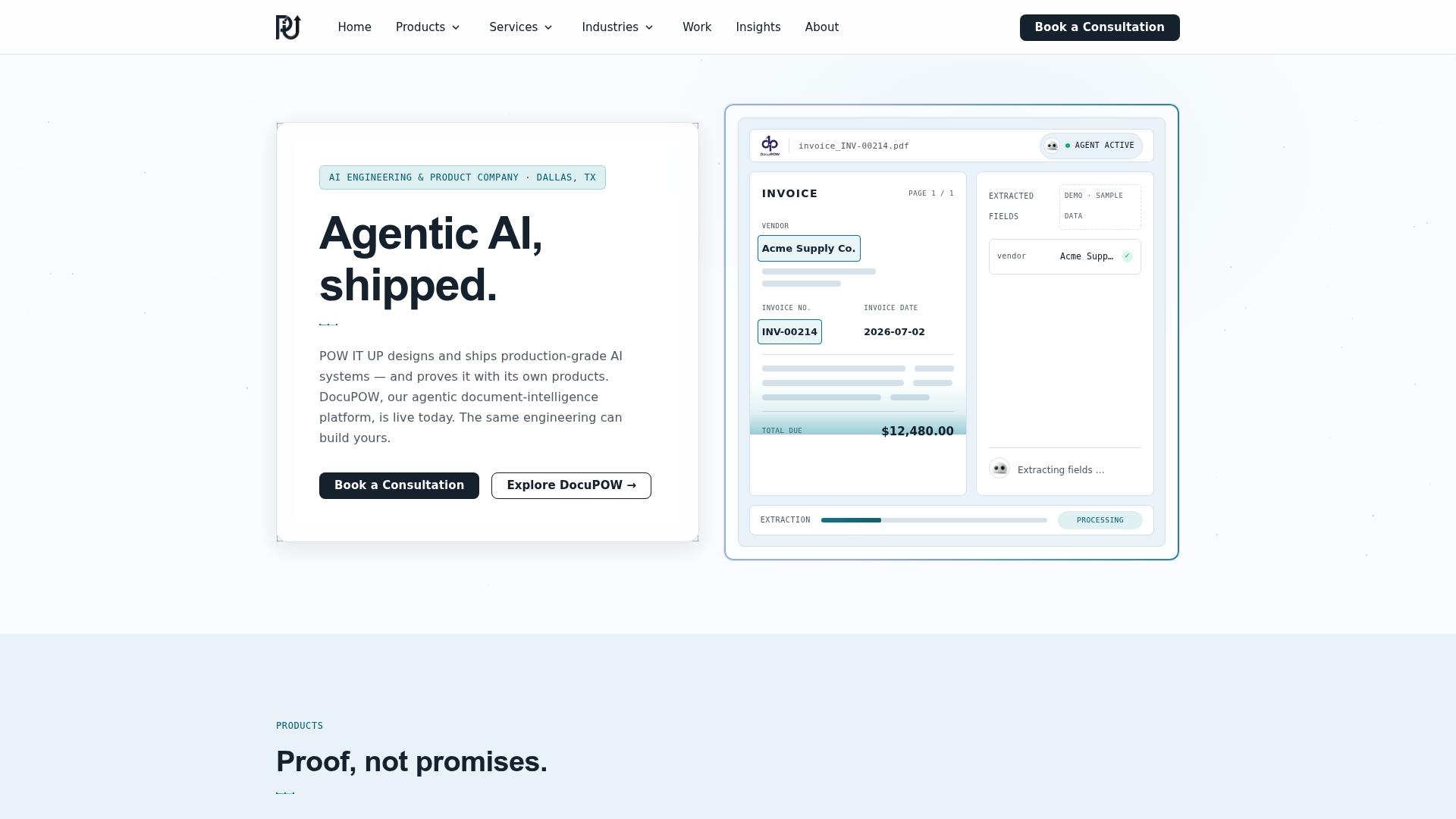
If your first candidate is document-heavy, DocuPOW is our product for reading and validating documents, and it comes with a live demo. For custom work, start with our AI agents development service, or talk to us about your workflow.
Smaller teams can begin with our guide to AI agents for small businesses.
Our perspective
Most failed automation projects fail at the start, not at the model. Teams automate a process nobody has mapped, or they give an agent authority nobody has defined.
We build in a specific order. We map the workflow, separate the steps that need judgment from the steps that need rules, and put agents only where judgment lives. Everything else stays deterministic, because predictable work deserves predictable tooling.
We also think of a digital workforce as something you own and can maintain. Agents need identities, permission limits, logs and a way to be paused, the same as any employee with system access. When those controls are designed in, you can raise autonomy step by step as the evidence builds.
That is how companies scale processing volume without a matching rise in headcount: not by removing people, but by letting them work on the exceptions that need them.
Syed Naveed Abbas
FAQ
What is the difference between an AI agent and a chatbot?
A chatbot mainly answers questions. An agent has tools, so it can also take action: update a record, create a ticket, trigger an approval. It works toward a goal using a model, tools and instructions, with guardrails on what it may do alone.
Will AI agents replace my team?
The pattern in the guidance we reviewed is hybrid. Routine steps are automated, agents handle exceptions and uncertainty, and people stay in place for review and approval. The usual gain is capacity: the same team handles more volume and spends its time on work that needs judgment.
Which workflow should I automate first?
Pick one that repeats often, varies too much for fixed rules, and produces output you can check cheaply. Customer support, document handling and task routing are common starting points. Avoid starting with irreversible, high-stakes actions unless a person approves them.
How do I know if the agent is working?
Record a baseline before launch: cycle time, cost, error rate or hours spent. After launch, compare against it, and track how often people have to intervene. If value is clear but cost per outcome is high, optimize. If value never shows up within the agreed timeframe, stop.
Do I need to replace my existing software?
No. A well-designed agent works through an integration layer on top of your current systems, with your system of record still executing the transactions. Integration is usually the larger part of the work.
Sources
- OpenAI: A Practical Guide to Building AI Agents
- Microsoft Learn: AI agent adoption guidance
- AWS: AI agents vs. automation
- SAP: AI agents in enterprise workflows
- SAPinsider: Business processes best suited to AI-driven automation
- Microsoft: How to Build Agents with Microsoft (white paper, February 2026)
- Google Cloud: How to build onboarding agents with Gemini Enterprise
- Microsoft: Path to production for AI agents
- Careful adoption of agentic AI services
- IBM: Preparing your enterprise to put AI agents into action
- Microsoft Learn: Monitor, measure, and report value
- VentureBeat: AI economics and which investments to scale
- MuleSoft: Architecting the agentic enterprise