

Operational transformation without additional headcount means redesigning how work moves through your company so the same team handles more volume at the same or better quality. In practice, you find the repetitive, high-volume steps that eat your people’s hours, hand those steps to automation or AI agents, and keep people on the judgment calls and client relationships. At POW IT UP, we design and build custom digital workforces for exactly this, so growth shows up in output per person rather than in the payroll line.
TL;DR
- Capacity problems are usually workflow problems. Map where hours go before you approve a requisition.
- Automate high-frequency, low-value tasks fully. Keep people in charge of decisions that carry risk, ethics or relationship weight.
- Start with one domain and a handful of workflows, pilot with human review, measure, then expand.
- Judge success on cost per transaction, cycle time, error rate and revenue per employee, not on hours “saved”.
- Governance is part of the build: decide who approves what, and how you catch drift, before agents go live.
Table of Contents
- What “transformation without headcount” really means
- Step 1: Find the time leaks before you open a requisition
- Step 2: Decide what to automate, what to augment and what to keep human
- Step 3: Roll out in a path that does not disrupt service
- Step 4: Measure whether it worked
- Managing the risks of automated operations
- How POW IT UP fits in
- Our perspective
- FAQ
- Sources
What “transformation without headcount” really means
The phrase gets used for layoffs and for hiring freezes. Neither is the point here. The point is decoupling volume from staffing: when orders, claims, invoices, patient intakes or client requests double, the work does not require double the people.
That is different from a one-time efficiency drive. A trimmed process still scales linearly: ten percent more work needs roughly ten percent more hands. A transformed process breaks that link for the repeatable parts of the job, because software absorbs the added volume.
Three changes make it happen:
- Simplify. Remove steps that exist out of habit: duplicate approvals, re-keying, status-chasing emails.
- Standardize. Give the same kind of request the same inputs, the same rules and the same output, so it can be automated at all.
- Automate. Move the standardized, high-volume steps to workflow tools, integrations or AI agents that read, decide within set rules and act.
The order matters. Automating a messy process gives you a faster mess. Bottlenecks that come from unclear ownership or inconsistent inputs need fixing before any tool touches them.
Step 1: Find the time leaks before you open a requisition
A hiring request usually arrives as “the team is overloaded.” That tells you nothing about where the load sits. Before you add a person, find out which tasks consume the hours.
Run a two-week work log. Ask each role to record, in 30-minute blocks, what they worked on. Tag each entry with the system used, the trigger (email, form, call) and whether the work required judgment. Two weeks is long enough to catch weekly cycles without turning the exercise into a project of its own.
Look for these patterns:
- Re-keying: data copied from a PDF, email or portal into another system.
- Status chasing: people asking people where something stands.
- Waiting: work idle in a queue because one person must approve or reroute it.
- Rework: items sent back because an input was missing or wrong.
- Exception handling that is really routine: cases flagged as special that follow the same three resolutions every time.
Rank by volume times minutes. A five-minute task done 400 times a week costs more than a two-hour task done once. The heavy, boring, frequent items are where capacity hides.
A worked example (illustrative numbers)
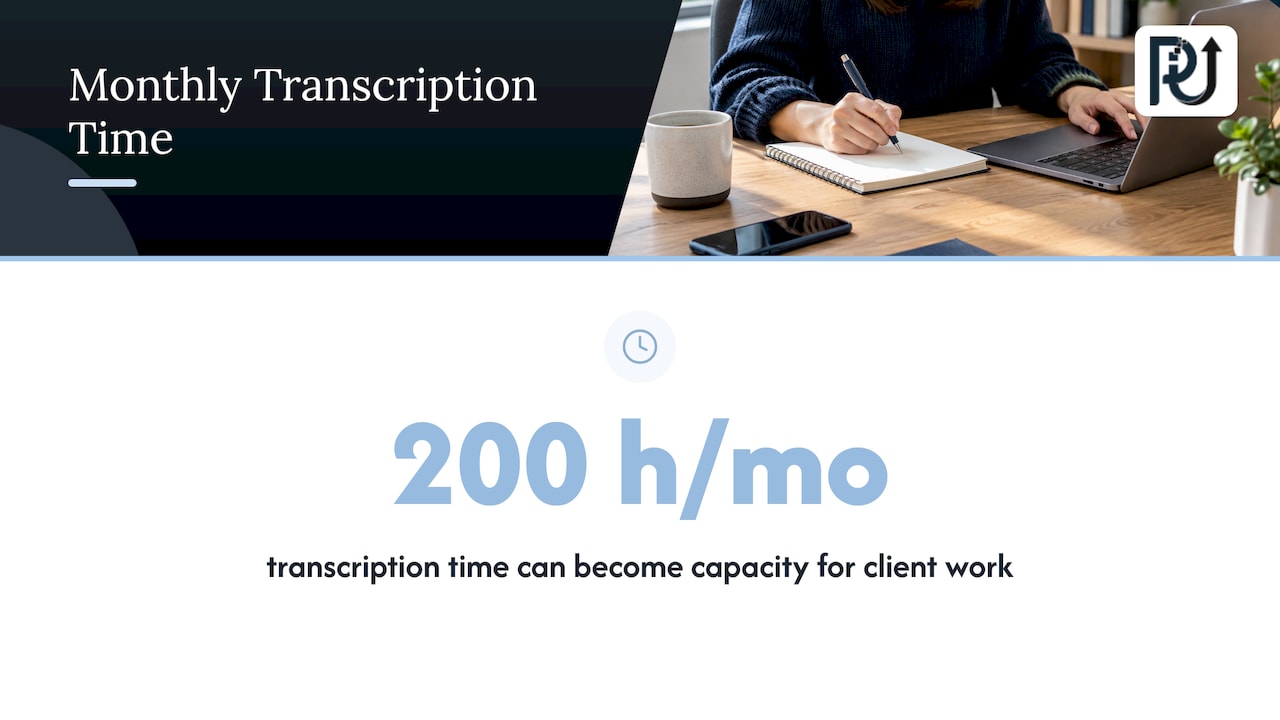
Say an accounting firm’s four-person operations team processes 1,500 client documents a month, such as bank statements, invoices and engagement forms. Logs show each document takes about eight minutes to open, read, key into the system and check. That is 12,000 minutes, or 200 hours a month: more than one full-time person’s month, spent on transcription. If that step is handled by a document-reading system and humans review only the flagged exceptions, those 200 hours become capacity for the work clients actually pay for. The firm can take on new clients without the fifth hire. These figures are an illustration of the arithmetic, not a result we are promising.
This is the kind of leak our document product, DocuPOW, is built for: reading and validating documents so people do not retype them.
Step 2: Decide what to automate, what to augment and what to keep human
Not every task should go to a machine, and the line is easier to draw than most leaders expect. Harvard Business School Online describes a useful split: high-frequency, low-value tasks are strong candidates for full automation where speed and consistency matter most, while lower-frequency or higher-value work involving risk, ethics or customer relationships is better augmented, with AI providing scale and direction and humans keeping decision authority.
Turn that into a four-way sort for every task on your ranked list:
| Category | Typical traits | Examples | Treatment |
|---|---|---|---|
| Eliminate | No one uses the output | Weekly reports nobody reads, duplicate approvals | Stop doing it |
| Standardize | Inconsistent inputs, variable method | Intake forms, request routing | Fix the process first |
| Automate | High volume, rule-based, low value per item | Document extraction, data entry, reconciliation, scheduling, status updates | Full automation with exception queue |
| Keep human or augment | Judgment, risk, relationship | Credit exceptions, clinical decisions, pricing negotiations, sensitive client conversations | AI prepares, person decides |
For a deeper look at where the boundary sits for different task types, this guide to AI automation walks through how automation works and where it fits.
Sector examples of the split
- Fintech and lending: document intake, data validation and routine checks are automatable; credit decisions outside policy stay with a person.
- Healthcare practices: scheduling, reminders and paperwork handling can be automated; anything touching clinical judgment stays with clinicians.
- E-commerce and Shopify brands: order status, inventory updates and returns triage are volume work; supplier negotiation and brand decisions are not.
- Agencies and consulting firms: reporting, time capture and project costing can be automated; strategy and client relationships are what you sell.
Step 3: Roll out in a path that does not disrupt service
The riskiest way to transform operations is a big-bang replacement. The more reliable way is narrow, measured and reversible. SAP’s guidance on scaling automation recommends focusing on a domain rather than isolated use cases, with a rollout that selects a high-impact domain, prioritizes a small set of workflows, surfaces a minimal production-ready set of data, pilots with embedded agents and human-in-the-loop controls, measures impact, and then expands.
Here is how that looks for a business without an enterprise IT department:
- Pick one domain. Accounts payable, client onboarding, claims intake, order fulfillment. Choose where volume is high and the pain is felt daily.
- Select three to five workflows inside it. More than that and the pilot stops being a pilot. A walkthrough of expanding beyond isolated use cases shows why domain-level thinking beats scattered one-off automations.
- Prepare only the data the workflows need. You do not need a data-lake project. You need the specific fields, documents and rules these workflows use, in a clean, accessible form.
- Pilot with a human in the loop. The agent drafts or processes; a person approves at first. Review what the agent got wrong and tighten rules.
- Run old and new side by side for a short period so service never depends on an untested system.
- Measure, then widen. Add workflows or move to the next domain only when the first one’s numbers hold.
SAP also notes that automation sitting off to the side sees low adoption, and recommends placing intelligence directly in the steps where work gets done. For your team, that means the agent should work inside the tools they already use, not in a separate dashboard they must remember to open. Our AI integration work is aimed at that: connecting automation to the systems your people already work in.
Bringing your team along
People resist automation when it looks like a threat. Say plainly what is changing: the dull parts of their jobs, not the jobs. Involve the people who do the work in the time-leak log and the pilot review. They know the exceptions that no process document mentions, and their corrections make the system better. Move the hours freed up toward work you already struggle to staff, such as client follow-up, quality review and account growth. If the freed time has no destination, the savings evaporate into the same busy day.
Step 4: Measure whether it worked
Hours saved is a soft number. Pick measures that connect to money and quality, set a baseline before the pilot, and review monthly.
| Measure | What it tells you | How to get it |
|---|---|---|
| Cost per transaction | Whether volume is getting cheaper to process | Fully loaded labor and tool cost divided by items processed |
| Cycle time | How long work waits and moves | Timestamp at intake and at completion |
| Error and rework rate | Whether speed costs quality | Share of items returned, corrected or escalated |
| Exception rate | How much the agent still hands to humans | Count of items routed to the review queue |
| Volume per employee | Whether capacity really grew | Items processed divided by team size |
| Revenue per employee | Whether growth is outrunning payroll | Revenue divided by headcount, tracked quarterly |
Watch the exception rate in particular. A falling exception rate over the first months means the rules and data are getting better. A flat or rising one means the process still has inconsistencies upstream.
A useful target is a simple one: revenue grows faster than payroll. If your volume rises 30 percent and headcount holds, while error rates and turnaround times stay level or improve, the transformation is working. For a longer look at how this plays out, see our piece on doubling capacity without layoffs and our 2026 playbook for scaling without hiring.
Managing the risks of automated operations
Autonomous systems bring risks that a spreadsheet macro never did. SAP’s playbook points to autonomous decisions, model drift and sensitivity to noisy data, and calls governance non-negotiable. Treat that as part of the design, not an afterthought:
- Define decision rights. Write down what an agent may do on its own, what needs approval and what it may never touch.
- Keep an audit trail. Every automated action should be logged with the inputs it used, so you can explain and reverse it.
- Monitor for drift. Sample outputs weekly at first. When document formats, policies or customer behavior change, the rules need to change too.
- Build the exception queue first. The system must know when it is unsure and hand the case to a person rather than guess.
- Plan for maintenance. Automation is a system you run, not a project you finish. Choose builds your team can understand and maintain.
In regulated work such as lending, insurance and healthcare, involve your compliance officer or counsel before an agent touches regulated decisions or protected data. They set the rules your governance has to meet.
How POW IT UP fits in
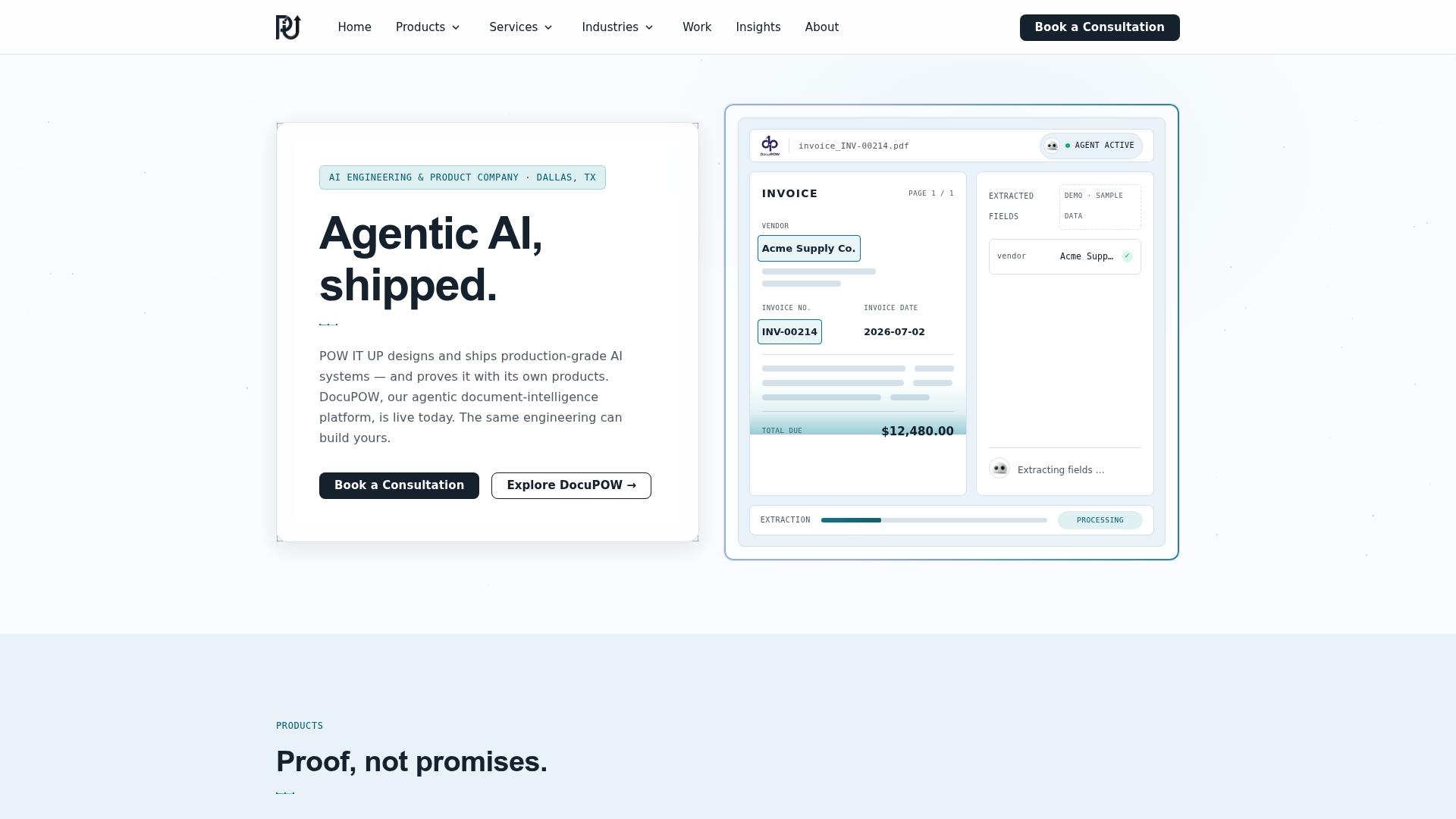
If your time-leak log points to document handling, repeated transactions or client monitoring, we build the systems that take that work off your team. Our AI agents development designs custom, context-aware digital workforces for high-volume transactional operations, and our AI automation services cover workflow orchestration. DocuPOW handles document reading and validation, and AuraPOW supports portfolio monitoring and client health analytics. Live demos of DocuPOW are available, so you can see the document workflow before you commit to anything.
To scope your first domain and workflows, start from our services overview and tell us where your hours go.
Our perspective
Most leaders we speak with do not have a hiring problem. They have a leak problem: hours slipping out through re-keying, chasing and waiting, then refilled by new payroll.
We build digital workforces as engineered systems, not scripts. That means context-aware agents that work inside the tools your people already use, with clear decision rights, exception queues and logs you can inspect. It also means you own what we build, and it is designed to be maintainable, so your capacity gain does not depend on a black box.
Our view is that the first win should be small and measurable: one domain, a few workflows, a human in the loop. Once the numbers hold, volume can grow without a matching rise in headcount. That is the point of the work.
Syed Naveed Abbas
FAQ
Does scaling without adding headcount mean cutting staff?
No. The goal is to stop volume from forcing new hires, not to remove the people you have. Time freed from repetitive tasks is redirected to work that needs judgment, such as client relationships, quality review and growth.
Which processes should I automate first?
Start with high-frequency, low-value, rule-based work: document intake, data entry, validation, routing and status updates. These tasks are where automation gives the most consistent results. Tasks involving risk, ethics or client relationships are better handled with AI supporting a person who makes the call.
How long before I see results?
It depends on the domain and the quality of your data and process. A narrow pilot on a few workflows produces measurable numbers sooner than a broad program. Set baselines before you start so you can compare cost per transaction, cycle time and error rates once the pilot runs.
What is the difference between workflow automation and an AI agent?
Workflow automation follows fixed rules: when X happens, do Y. An AI agent can read unstructured inputs such as documents or emails, use context to decide among actions within the limits you set, and act in your systems. Many operations use both, with agents handling the variable steps and workflows handling the fixed ones.
Do I need a large IT team to do this?
No. You need clarity about your workflows, access to the relevant data and a partner or owner accountable for the build and its upkeep. Starting with one domain keeps the scope manageable for small and mid-sized companies.
Sources
- AI-Powered Business Process Automation: When to Automate, Harvard Business School Online
- AI Automation in ERP: A Scalable Playbook for Enterprise, SAP