

The fastest path to enterprise automation success runs through six stages: Discover, Design, Pilot, Secure & Validate, Scale, and Optimize. Skip Discover and you automate the wrong process. Skip Secure & Validate and you scale a liability. The single move that matters most this week is picking one high-readiness workflow and writing a one-page pilot charter for it, before anyone talks about platforms or vendors.
That charter should name an owner, define success in numbers, and set a start date inside 30 days. Vague mandates like “automate the finance department” kill momentum. A defined charter targeting invoice matching or claims intake gives your team something to finish, measure, and defend to the board.
Three metrics tell you whether a pilot actually worked: cycle time (how long the task takes start to finish), error rate (how often a human has to fix the output), and adoption percentage (how many eligible cases actually flow through the automated path instead of getting routed around it). Guidance on phased IT automation rollouts consistently points to governance and operating-model design, not tool selection, as the real differentiator between programs that scale and programs that stall.
-
Discover — map the process, talk to the people doing the work, and score candidates objectively.
-
Design — architect the target state: orchestration, integration, data flow, and controls.
-
Pilot — build a narrow, well-instrumented version and run it against real cases.
-
Secure & Validate — lock down access, test exception paths, and confirm the pilot’s numbers hold up.
-
Scale — roll out in waves, gated by measurement, not by calendar deadlines.
-
Optimize — measure continuously and feed findings back into the next wave.
Table of Contents
-
What a Complete Automation Implementation Guide Should Cover
-
Start With Process Reality: Discover and Prioritize Automation Candidates
-
Build the Business Case: Outcomes, KPIs, Timeline, and Cost Drivers
What a Complete Automation Implementation Guide Should Cover
If a vendor hands you a 40-slide deck and no mention of data governance, walk away. Any credible automation implementation guide, whether you’re building one internally or evaluating one from a partner, has to cover ten specific domains, and a proposal missing more than one or two of them is not ready for a budget line.
The domains matter because each one maps to a distinct failure mode. Skip process discovery and you automate a broken workflow faster. Skip data readiness and your pilot breaks on the first edge case nobody tested. Skip governance and you end up with what practitioners call automation sprawl: dozens of disconnected bots nobody owns, each one a quiet security risk.
Use this checklist against any proposal, internal or vendor-supplied, before signing off on budget:
-
Process discovery and scoring methodology
-
Data readiness assessment and integration approach
-
Target architecture (orchestration, execution, monitoring layers)
-
Tooling and platform selection criteria
-
Governance model and Center of Excellence (CoE) structure
-
Security, compliance, and access control plan
-
Pilot design with defined success gates
-
Measurement plan and KPI baseline
-
Scale roadmap with wave sequencing
-
Change management and training plan
| Domain | Why it matters | Red flag if missing |
|---|---|---|
| Process discovery | Prevents automating work that should be redesigned first | No scoring criteria, just a wish list |
| Data readiness | Determines whether integration is weeks or months | No mention of data quality or schema stability |
| Target architecture | Avoids point-solution sprawl and vendor lock-in | No separation of orchestration from execution |
| Governance/CoE | Keeps automation auditable and maintainable past pilot 1 | No named owner for standards or approvals |
| Security & compliance | Protects the business from audit failure or breach | No access control or encryption discussion |
Start With Process Reality: Discover and Prioritize Automation Candidates
Interviews come first, not software. Talk to the people who actually do the work, not just their managers, because the gap between the documented process and the real one is where most automation projects go sideways. Pair those interviews with observational sampling (watching the work happen for a few days) and, where volume justifies it, process mining or task mining tools that reconstruct the actual workflow from system logs.
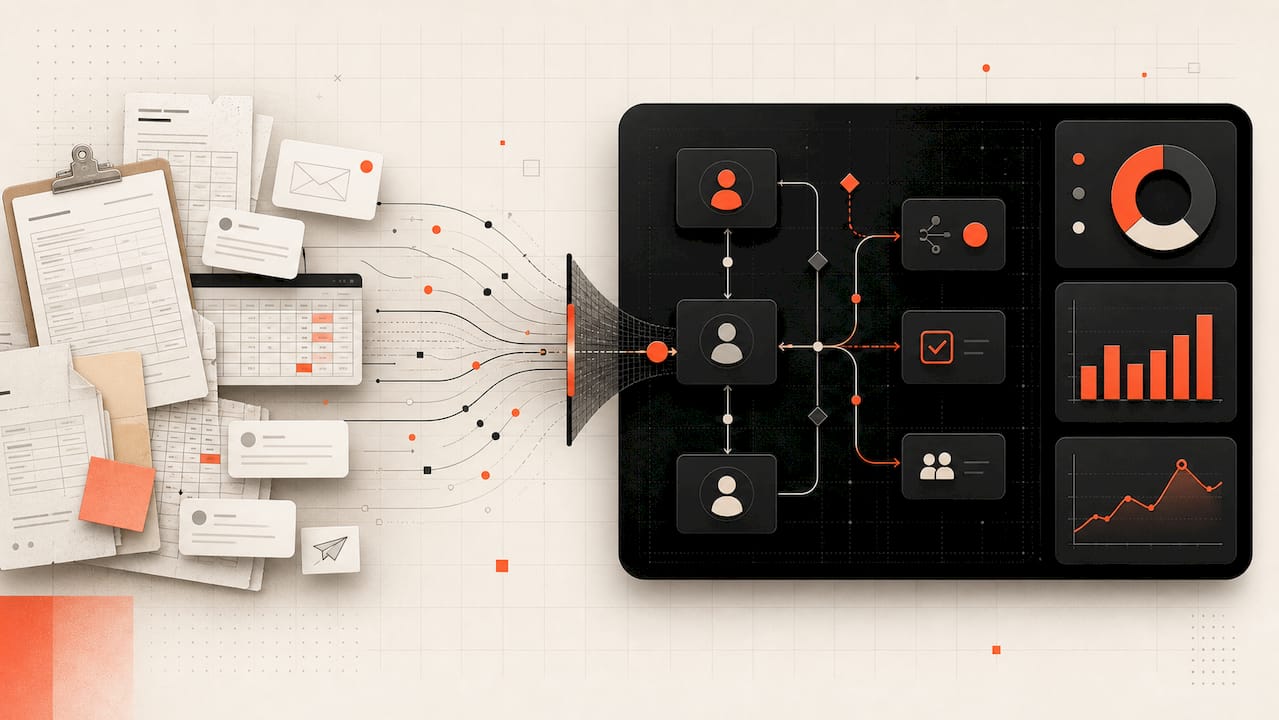
Handoff mapping catches the second most common failure point: work that moves between three departments and two systems, with each handoff introducing delay and error. Exception logging, tracking every time a “standard” process deviates, tells you how standard the process actually is.
Score every candidate against the same five factors so prioritization isn’t a political argument:
A process scoring roughly 8/10 or higher on readiness and data availability, with meaningful volume, is your first pilot. Anything scoring low on data availability gets fixed or deferred, not automated around.
Before any code gets written, apply the redesign-before-code rule: strip out unnecessary approval steps, consolidate duplicate data entry, and eliminate steps that exist only because “that’s how we’ve always done it.” BOC Group’s process automation guidance recommends building an executable process graph and running tabletop tests with recent real cases before touching configuration. Minimal redesign does not mean a full reengineering exercise. It means removing the three or four obviously wasteful steps everyone already complains about.
Set exit criteria up front. A candidate gets de-prioritized when data readiness can’t be fixed in a reasonable timeframe, when volume is too low to justify the build, or when the process changes so often that automation would require constant rework.
Pro Tip: Pick your first pilot for what it teaches you about integration, not just for its ROI. A modest workflow that touches three systems will surface authentication issues, data mapping gaps, and API limitations you need to know about before you commit to a platform for the next twenty automations.
Data Readiness and Integration: The True Gating Factor
More pilots die from data problems than from bad process design. A workflow can be perfectly mapped and still fail in production because the customer ID field means something different in the CRM than it does in the billing system, or because the “real-time” API actually has a four-hour lag nobody mentioned.
Before committing engineering time, confirm the process clears every item on this list:
-
Canonical IDs exist and match across every system the automation touches
-
Field-level quality is known (null rates, format consistency, duplicate records)
-
Schema stability is confirmed; systems that change structure without notice break automations silently
-
Data SLAs are documented (how fresh does the data need to be, and how fresh is it actually)
-
Access method is clear (API, flat file, direct database, or screen scraping, in that order of preference)
-
Retention and PII controls are mapped before any personal data flows through a new pipeline
Integration pattern choice depends on latency needs and system maturity, and each comes with a real tradeoff:
-
API-first: Cleanest and most maintainable, but only works if the source system actually has a stable, documented API.
-
Event-driven: Best for real-time triggers (a new claim, a failed payment), but requires messaging infrastructure most legacy environments don’t have yet.
-
Batch ingest: Simple and reliable for high-volume, non-time-sensitive data, but introduces the lag that kills real-time use cases.
-
Adapter layer: Adds a translation layer between legacy systems and modern automation tools, buying time without a full system replacement, at the cost of one more component to maintain.
When evaluating tools for this layer, look for connectors to your specific systems (not generic claims of “500+ integrations”), middleware that can handle schema drift gracefully, and observability that tells you when a data feed goes stale before your automation fails silently three days later.
Build the Business Case: Outcomes, KPIs, Timeline, and Cost Drivers
No CFO approves “automate the process” as a line item. They approve a payback period. Build your ROI case with three inputs: baseline cycle time (how long the task takes today), error cost (rework, compliance penalties, customer churn tied to mistakes), and headcount effort (hours currently spent on the task). Multiply headcount effort by fully loaded cost, add error cost, and you have your baseline. Projected savings come from the delta between that baseline and post-automation performance, and payback period is simply build cost divided by monthly savings.
KPIs shift as you move from pilot to platform. At pilot stage, you’re proving the concept works on a small, controlled set of cases. At platform stage, you’re proving it holds up under real volume and edge-case diversity.
| Stage | Primary KPIs | What “good” looks like |
|---|---|---|
| Pilot | Cycle time, error rate, exception rate | cycle time reduction around 30%, error rate at or below manual baseline |
| Platform/scale | Throughput, adoption %, cost per transaction | high adoption, cost per transaction trending down wave over wave |
A realistic timeline runs roughly zero to three months for discovery through pilot, and three to twelve months for platform build and wave-based scaling, though regulated industries and legacy-heavy environments often run longer on both ends. Budget for these cost line items beyond the obvious build cost: integration middleware licensing, ongoing maintenance (typically 15 to 20% of build cost annually), training and change management, and CoE staffing once you cross a handful of live automations. The ROI breakdown for AI automation is worth walking through in detail before you present a business case to finance, since underestimating maintenance cost is one of the most common reasons a first-year budget falls short.
Design the Target Architecture and Choose the Right Tools
Architecture decisions made in month one determine whether you’re still maintaining a coherent system in year three, or untangling a patchwork of point solutions that don’t talk to each other. Five building blocks belong in any enterprise automation target state:
-
Orchestration layer: Coordinates multi-step workflows across systems, handling sequencing, retries, and error routing.
-
Integration and adapters: Connects the orchestration layer to source systems, legacy or modern.
-
Document intelligence: Extracts and validates structured data from unstructured inputs like invoices, contracts, and claims forms.
-
Model governance: Tracks which AI models are in use, how they’re versioned, and how their outputs are audited.
-
Runtime and monitoring: Executes the automation and surfaces performance, errors, and drift in real time.
Vendor categories map roughly to these layers, and evaluating them by category before you evaluate by brand keeps procurement honest. Enterprise workflow and IT service management platforms like ServiceNow anchor orchestration and ticketing-adjacent automation. RPA-first vendors like UiPath and Automation Anywhere handle bot-based task automation, particularly across legacy interfaces without modern APIs. Microsoft Power Automate fits organizations already deep in the Microsoft 365 ecosystem and needing lighter-weight workflow automation. AWS Step Functions serves cloud-native orchestration for teams building automation as part of a broader AWS infrastructure. Infrastructure and configuration automation, meanwhile, runs through tools like Red Hat Ansible for configuration management and HashiCorp Terraform for infrastructure-as-code provisioning. Industry analysis of 2025’s IT automation trends frames this shift accurately: automation is moving from isolated scripting toward platform-based service orchestration, with vendor categories spanning Microsoft, ServiceNow, IBM, Red Hat, HashiCorp, and the major cloud providers.
Score any platform against four criteria before signing a contract: scalability across regions and volume spikes, breadth of integration surface (real connectors, not marketing claims), deployment model fit (SaaS, on-prem, or hybrid, matched to your compliance needs), and how the pricing structure behaves as you add workflows, since a platform that’s cheap at five automations and punishing at fifty will cost you twice.
Pro Tip: Keep your orchestration layer and your execution layer separable. If the tool that sequences your workflow is tightly coupled to the tool that executes each step, replacing one component later means rebuilding the whole automation. That coupling is the single most common cause of multi-year vendor lock-in in enterprise automation.
Governance: CoE, Roles, Standards, and Change Management
A Center of Excellence sounds like bureaucracy until you cross roughly 20 live automations without one, at which point industry analysis of automation sprawl shows organizations shift from project-based delivery to a formal governance model out of necessity, not preference. Before that point, a lightweight version works fine. After it, skipping governance means nobody can tell you which bots are still running, who owns them, or whether they’re still secure.
A minimal CoE needs six functions covered, though one person can hold more than one at small scale:
-
Governance lead (owns standards and prioritization decisions)
-
Process owner per workflow (accountable for outcomes, not just build)
-
Platform engineers (build and maintain the automation)
-
Business analysts (translate process requirements into technical specs)
-
Security reviewer (approves access and data handling before go-live)
-
SRE or ops support (monitors production and handles incidents)
| Governance element | What it standardizes | Why skipping it hurts later |
|---|---|---|
| Naming and versioning | How automations are identified and tracked | Untraceable bots when something breaks |
| Testing standards | What “tested” means before go-live | Exceptions surface in production instead of QA |
| Approval workflow | Who signs off before deployment | Shadow automations bypass security review |
| Audit trail | What gets logged and for how long | Compliance failures during audits |
Training has to be role-based, not one-size-fits-all. Approvers need a five-minute overview of what changed in their workflow. Platform engineers need deep technical onboarding. Slack’s guidance on rolling out process automation points to microlearning, short, focused training modules delivered close to when someone actually needs the skill, as a more effective adoption driver than a single long training session up front. Pair that with a defined support channel and a monthly adoption review, and resistance drops faster than any mandate memo will achieve.
Governance also has to reach into procurement. Every new vendor or integration should pass through the same security review and data handling checklist as an internally built automation, not a lighter version because “it’s just a SaaS tool.”
Implementation in Waves: Pilot, Validate, Then Scale
Your pilot plan needs six elements written down before anyone builds anything: scope (exactly which cases are in and out), an owner (one named person, not a committee), success criteria (specific numbers, not “improve efficiency”), sample size (how many cases before you trust the results), test cases covering both normal and exception paths, and a rollback plan for when something breaks in production.
That last one gets skipped constantly and causes the most panic when it matters. Every pilot needs a documented way to fall back to the manual process without losing data or creating a backlog, because something will break during the first wave.
Once the pilot clears its success criteria, move to wave-based scaling rather than a single big-bang rollout:
-
Define wave boundaries by business unit, geography, or transaction type, not by arbitrary percentage.
-
Set a measurement gate for each wave (error rate must stay within X% of pilot performance).
-
Run wave two only after wave one holds steady for a defined observation period, typically two to four weeks.
-
Feed exceptions discovered in each wave back into the process design before the next wave launches.
-
Expand governance capacity (support staff, monitoring coverage) in step with automation volume, not after it.
Design test cases around what actually breaks processes: the customer with a hyphenated name that doesn’t match system records, the transaction that arrives during a system maintenance window, the approval that needs to route to someone on leave. Cogniver’s workflow rollout guidance frames this as capturing edge cases early rather than discovering them at scale, when the cost of each exception is multiplied across thousands of transactions instead of dozens.
Security, Compliance, and Operational Risk Controls
An automation that moves money, patient data, or customer records without a documented security review is a liability wearing an efficiency label. Every enterprise automation deployment needs least-privilege access (the automation touches only the systems and data it needs, nothing more), encryption at rest and in transit, proper secrets management (API keys and credentials never hardcoded into scripts), full audit logging, and a written incident playbook for when something goes wrong.

Compliance verification isn’t a one-time checkbox. Confirm data residency requirements match where the automation actually processes and stores data, map exactly how personally identifiable information flows through the pipeline, document model governance for any AI component (which model, which version, how outputs get reviewed), and keep audit-ready documentation current, not reconstructed after the fact when a regulator asks. Standards resources like NIST’s Manufacturing Extension Partnership offer practical frameworks for operationalizing these controls consistently across teams rather than reinventing them for every new automation.
Operational risk controls matter as much as security controls. Define escalation rules for when an automation encounters something outside its trained scope. Set human-in-the-loop thresholds, dollar amounts or risk levels above which a person must approve before the automation proceeds. Build exception monitoring that flags unusual patterns (a sudden spike in a specific error type) before they become a full-scale incident. Whatever supervision threshold you set for a financial approval automation, apply that same discipline to a healthcare intake or HR automation touching sensitive data; risk controls shouldn’t be stronger in one department just because it happened to get more attention during design.
Measure What Matters After Go-Live
The dashboard you build before go-live determines whether you catch a problem in week two or discover it in a board meeting three months later. Pilot targets and platform targets should look different, because you’re testing different things at each stage:
| KPI | Pilot target | Platform target |
|---|---|---|
| Cycle time | 30% reduction from baseline | Sustained reduction across all wave volumes |
| Error rate | At or below manual baseline | Continued improvement wave over wave |
| Human intervention % | Under 20% of cases need manual touch | Under 10% at full scale |
| Throughput | Handles pilot volume without degradation | Scales linearly with added waves |
| Cost per transaction | Documented baseline established | Declining trend as volume increases |
| Adoption rate | majority of eligible cases routed through automation | sustained high adoption |
Monitoring needs four components running from day one: dashboards visible to both the CoE and business stakeholders, alerts tuned to catch anomalies before they cascade, service-level objectives (SLOs) that define what “healthy” looks like numerically, and a recurring incident review cadence, weekly at first, monthly once stable, to catch patterns before they become recurring failures. Retain enough historical data to support an audit request without a scramble.
The optimization cycle itself is simple to describe and hard to sustain without discipline: measure current performance, form a hypothesis about what would improve it, test that hypothesis on a limited scope, deploy if it works, then re-measure to confirm the gain held. Teams that treat this as a one-time project rather than an ongoing cadence watch their automations quietly degrade as underlying systems and data change around them.
Common Implementation Mistakes and How to Avoid Them
Most automation failures trace back to five recurring mistakes, and every one of them is avoidable with a small amount of upfront discipline.
Automating a broken process. Speeding up a bad workflow just produces bad outcomes faster. Fix: apply the redesign-before-code rule from process discovery before any build begins. Insight on why automation projects fail points squarely at this as the most common root cause: teams try to automate broken workflows instead of fixing them first, and rework costs more than the redesign would have.
Skipping data readiness assessment. Discovering mid-build that a critical field is unreliable derails timelines and budgets. Fix: run the full data readiness checklist before committing a build date to stakeholders.
Launching without governance. No CoE, no naming standards, no ownership model. Fix: even a lightweight governance structure, one governance lead and documented standards, prevents sprawl before it starts.
Under-budgeting maintenance. Teams budget for the build and forget that automations need ongoing care as source systems change. Fix: budget 15 to 20% of build cost annually for maintenance from the first business case onward.
Bot sprawl. Dozens of automations built by different teams with no central registry, no owner, and no security review. Fix: require every automation, regardless of who builds it, to register with the CoE and pass the same governance checklist.
Pro Tip: Treat every automation like software with a lifecycle, not a one-time project you finish and forget. Schedule a quarterly review for each production automation to confirm it still matches the current process, the data sources haven’t drifted, and the exception rate hasn’t crept upward. Skipping this is how a clean automation turns into unmanageable technical debt within eighteen months.
POW IT UP’s Recommended Enterprise Implementation Blueprint
A practical engagement moves through five phases, each with its own deliverables, so leaders always know what they’re getting and when.
-
Discovery (weeks 1 to 3): Stakeholder interviews, process scoring, data readiness assessment. Deliverable: prioritized candidate list with scores.
-
Design (weeks 3 to 6): Target architecture, integration plan, governance model draft. Deliverable: architecture diagram and pilot charter.
-
Pilot (weeks 6 to 12): Build, test, and run the first automation against real cases. Deliverable: pilot performance report against baseline KPIs.
-
Production (weeks 10 to 14, overlapping pilot close): Security review, exception handling validation, rollback testing. Deliverable: runbook and monitoring dashboard.
-
Scale (months 4 to 12): Wave-based rollout with measurement gates between waves. Deliverable: CoE operating model and wave sequencing plan.
A complete engagement should produce a specific set of artifacts, not just a working automation: a pilot charter naming scope and success criteria, a test pack covering normal and exception paths, a runbook documenting how to operate and troubleshoot the automation, and a live monitoring dashboard tracking the KPIs defined in the business case.
Case examples from real engagements, including documented automation success stories, typically follow this pattern: a defined problem (a manual, high-volume, error-prone process), a scoped pilot with clear ownership, and a measurable outcome tied to the exact KPIs established before the build started. That structure, problem, scope, measured outcome, is what separates a credible case study from a vague success claim.
What Enterprise Leaders Should Prioritize
If you take one thing from this guide, take this: process clarity beats platform choice every time. I’ve watched organizations spend months evaluating orchestration tools while their actual bottleneck was that nobody could agree on what the “standard” claims process even was. Fix the process definition first, and the tooling decision gets dramatically easier because you know exactly what you need it to do.
Data readiness is the quiet killer. Leaders love to greenlight a pilot on the strength of a demo, then discover six weeks in that the customer ID field means three different things across two systems. Push your team to run the data readiness checklist before the pilot start date gets locked into a steering committee slide, not after.
Governance feels like overhead until the moment it saves you. The organizations that build a lightweight CoE before they need one scale smoothly. The ones that wait until they have 30 ungoverned bots spend the next year doing forensic cleanup instead of building new value. Set it up small and early.
The single action to take this week: approve a pilot charter for one process, name an owner, and put a start date on the calendar within 30 days. Momentum from one finished pilot does more for your automation program than another quarter of planning.
How POW IT UP Engages on Enterprise Automation
POW IT UP is the alternative to a slow, tool-first automation rollout: instead of handing you a platform license and a training manual, we design, build, and operate the automation with you, so the six-step blueprint above becomes a working system rather than a slide deck. Our engagements track the phases outlined in this guide directly: a discovery workshop to score and prioritize candidates, strategic architecture design that separates orchestration from execution, custom AI agent development for document intelligence and transaction processing, and CoE setup so your team can govern and extend the system after we hand it off.
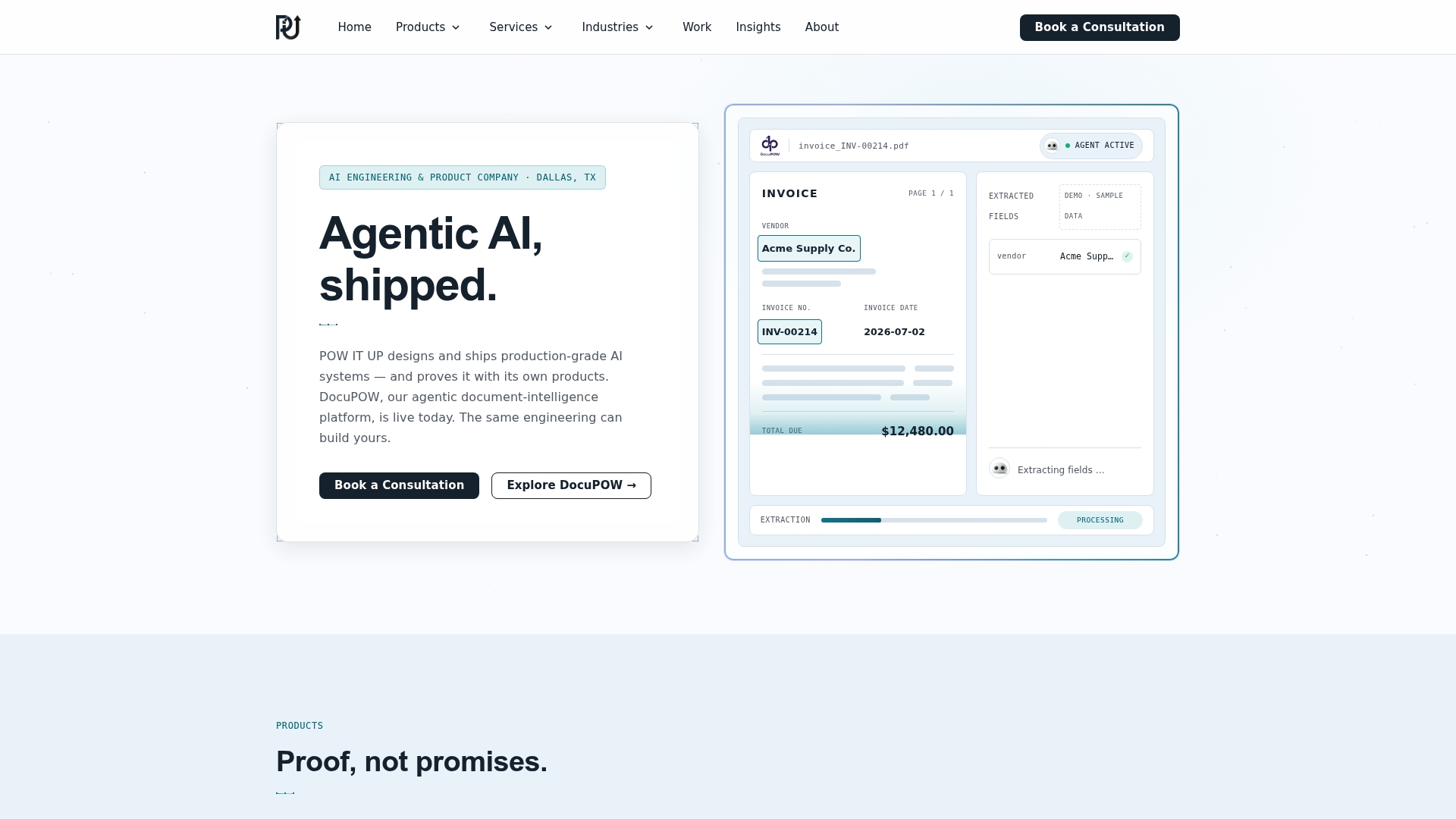
We work across the same domains this guide covers, from document intelligence with DocuPOW to portfolio and client-health monitoring with AuraPOW, and we scope engagements as fixed-deliverable projects so you know what you’re getting before signing anything. If your organization is ready to move past planning, start with a discovery workshop for AI integration or review our automation agency engagement model to see how a vendor-managed pilot compares to building the CoE internally. For teams further along, a consultation on intelligent automation is the fastest way to get a scoped pilot proposal in front of your steering committee within weeks, not quarters.
Key Takeaways: The Short Checklist to Act on Now
Enterprise automation succeeds when leaders sequence discovery, governance, and phased scaling deliberately, rather than treating tool selection as the starting point.
| Point | Details |
|---|---|
| Pick one pilot candidate | Score processes on readiness, volume, and data availability; start with the highest scorer. |
| Baseline your KPIs first | Measure current cycle time, error rate, and cost before building anything. |
| Confirm data readiness | Run the canonical ID, quality, and access checklist before committing a build date. |
| Stand up a lightweight CoE | Assign a governance lead and process owner even before automation number one goes live. |
| Bring in POW IT UP for execution | Use a scoped discovery workshop and pilot engagement to move from charter to working automation faster than an internal build alone. |
For the first 30 days, finalize the pilot charter, complete the data readiness assessment, and assign the CoE governance lead. By day 60, the pilot should be live and generating its first measurable results against the baseline. By day 90, the first scaling wave should be planned, with measurement gates defined and the second candidate process already scored.
Sources
FAQ
What are the 5 steps of the implementation process?
Most frameworks compress to five or six phases: discovery, design, pilot, secure and validate, and scale, with optimization running continuously after go-live rather than as a discrete final step.
What are the top automation tools enterprises use?
Enterprise programs commonly draw from ServiceNow and Microsoft Power Automate for workflow orchestration, UiPath and Automation Anywhere for RPA, AWS Step Functions for cloud-native orchestration, and Red Hat Ansible and HashiCorp Terraform for infrastructure automation, chosen by category based on the target architecture rather than by brand reputation alone.
What is an implementation guide, exactly?
A complete implementation guide documents process discovery methodology, data readiness requirements, target architecture, governance structure, and a phased rollout plan with measurable success gates, not just a tool configuration manual.
How should automation be implemented in an enterprise setting?
Start with process discovery and scoring, redesign broken workflows before building, run a tightly scoped pilot with defined success criteria, validate security and exceptions, then scale in measured waves rather than a single big-bang rollout.
When does an organization need a formal Center of Excellence?
A lightweight governance structure works for the first handful of automations, but most organizations need a formal CoE once they cross roughly 20 live workflows to avoid sprawl, according to industry trend analysis.
Can POW IT UP help run a pilot instead of building an internal team first?
Yes. POW IT UP scopes discovery workshops and pilot engagements as fixed-deliverable projects, which lets a team validate the approach with a working automation before deciding whether to build internal CoE capacity.