
AI-powered workflow design is the practice of building an ordered sequence where AI agents perform, coordinate, or oversee organizational tasks, with humans stepping in at defined points. The outcome to aim for isn’t a clever demo. It’s a system that’s reliable under load, inspectable when something breaks, and built with explicit boundaries on what the AI can decide alone. Firms like POW IT UP treat this as an engineering discipline, not a prompt-writing exercise.
TL;DR:
- Most production AI workflows should use static or hybrid orchestration patterns; dynamic methods increase failure risks and demand tougher safeguards.
- Implement per-step timeouts, cycle detection, bounded fan-out, and store data externally to keep workflows manageable and resilient under real-world conditions.
- Decompose workflows into small, testable modules, assign narrow responsibilities to each agent, and externalize prompt management to facilitate troubleshooting and updates.
- Use visual workflow builders with node-level testing, real connectors, and observability dashboards to ensure reliability and quick detection of issues in production.
- Start with one agent and tool, enforce strict timeouts and approval gates early, and follow a phased build and testing cycle to avoid common pitfalls in deployment.
Table of Contents
- What Is an AI-Powered Workflow, and What Are Its Core Parts?
- Which Orchestration Pattern Fits Your Workflow?
- What Design Principles Make a Workflow Production-Ready?
- How Do You Evaluate a Workflow Platform’s Features?
- What Belongs on a Production Readiness Checklist?
- A Practitioner’s Lifecycle for Shipping AI Workflows
- Where Most Teams Get This Wrong
- How POW IT UP Builds AI Workflows That Survive Contact With Production
- Sources
- FAQ
What Is an AI-Powered Workflow, and What Are Its Core Parts?
An AI workflow is an ordered sequence where AI systems perform, coordinate, or enhance a business process, either running autonomously or working alongside a person at specific checkpoints. That definition covers a huge range, from a single model tagging support tickets to a fleet of agents negotiating a multi-step approval chain, and IBM’s framing treats both ends of that spectrum as the same underlying pattern, just with more coordination overhead as agent count grows.
Every production workflow, regardless of complexity, breaks down into the same four parts:
- Agents: the reasoning units that decide what to do next, scoped to a narrow task
- Orchestration layer: the logic that sequences, routes, and enforces order between agents
- Connectors: the integrations that pull data from CRMs, document stores, or internal APIs
- Triggers and actions: the events that start a run and the concrete steps it executes, plus durable state that survives a crash or restart
Separating these pieces isn’t a style preference. When an agent’s reasoning is tangled up with the code that calls external systems, you can’t tell whether a bad output came from a flawed prompt or a broken connector. Keeping them apart is what makes a workflow debuggable instead of a black box.
Which Orchestration Pattern Fits Your Workflow?
Orchestration comes in three flavors, and picking the wrong one is the single most common reason pilots stall.
- Static orchestration hardcodes the sequence of steps in advance. Fast, predictable, and the right default for anything resembling a compliance process.
- Hybrid orchestration lets an agent choose between a fixed set of pre-approved branches. This is where most production systems eventually land.
- Dynamic orchestration allows an agent to plan its own path at runtime. Powerful, but it’s also where things go wrong fastest, and it demands the heaviest guardrails.
AWS’s guidance on efficient orchestration notes that multi-agent setups add real coordination costs, extra latency, more failure surfaces, harder debugging, so specialization only pays off when the task genuinely benefits from splitting reasoning across agents. A single well-scoped agent often outperforms three specialized ones fighting over context.
Runtime safeguards to build in from day one:
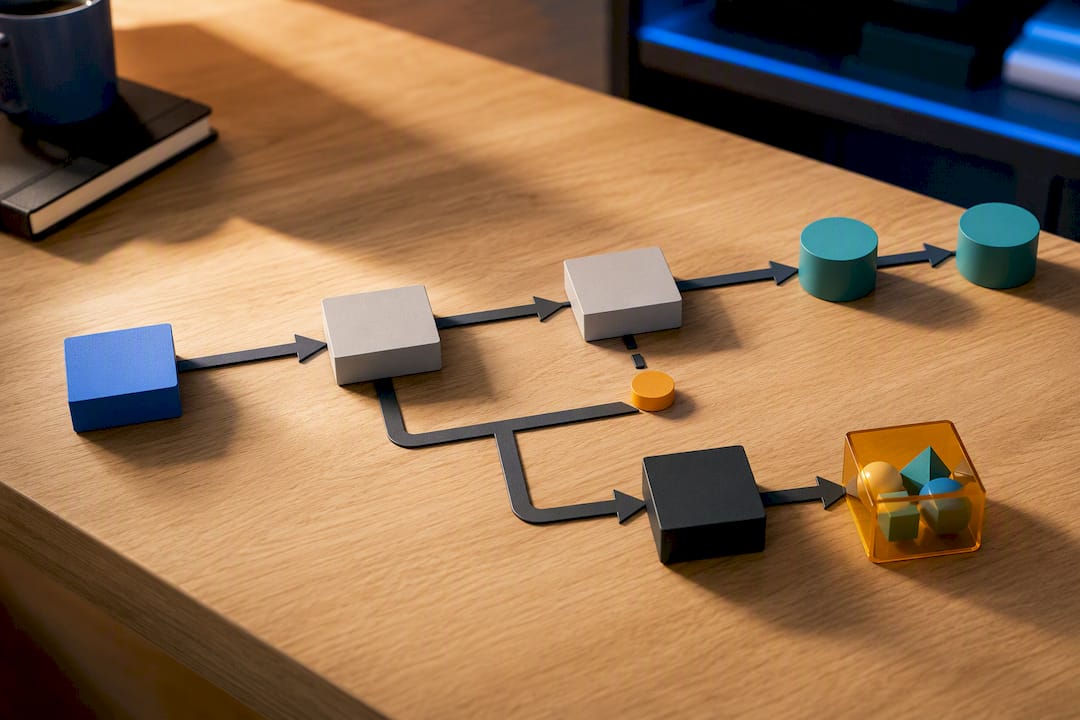
Cycle detection using visited-node hashing stops an agent from looping on the same subtask forever. Max-depth limits, typically capped at a moderate number of steps, cap how deep a chain of reasoning can run before it’s forced to terminate. Bounded fan-out, usually limited to a moderate number of concurrent branches, keeps a dynamic planner from spawning an unmanageable tree of sub-agents. Per-step and workflow-level timeouts help ensure a stuck process fails visibly rather than hanging silently.
Pro Tip: Pass references between steps, not full payloads. Store large documents or datasets externally and hand agents a pointer, not the whole file, since AWS’s agentic lens recommends this specifically to keep state passing lightweight and workflows resilient under retry.
What Design Principles Make a Workflow Production-Ready?
Most failed AI workflow projects share one root cause: too much complexity crammed into too few components. KISS isn’t a slogan here, it’s an engineering constraint. Decompose the process into small, testable modules before you touch a single prompt.
A production-grade engineering lifecycle built around nine best practices lays out the pattern most reliable systems converge on:
- One-agent, one-tool: give each agent a single, narrow responsibility instead of a Swiss Army knife of capabilities
- Tool-first design: build and test the tools an agent calls before you write the agent’s reasoning logic
- Externalized prompt management: version prompts outside the codebase so you can roll back a bad change without redeploying
- Pure-function invocation: keep tool calls stateless and predictable, so the same input always produces the same call
- Containerized deployment: package the workflow with Docker or Kubernetes so it behaves identically across environments
The separation between orchestrator and agent matters just as much as any of the above. Camunda’s design guidance argues for splitting decision-making from execution: let the model decide which tool to call and in what order, but let deterministic orchestration code actually run it. Keeping the model’s role bounded to selection and sequencing, rather than letting it control execution directly, is what keeps a bad reasoning step from cascading into a corrupted state.
Test at the node level before you test the whole graph. Audit prompt versions the same way you’d audit a code change. Trace every run end to end. Without tracing, “it worked in staging” tells you nothing about why it failed in production.
How Do You Evaluate a Workflow Platform’s Features?
Skip the vendor comparison and grade platforms against a feature checklist instead. What matters is whether the platform gives you a visual canvas for mapping steps, native AI actions instead of bolted-on scripts, a real connector library for your existing stack, node-level testing so you can validate one step without running the whole graph, human-in-the-loop controls with explicit approval gates, and observability that shows you what happened, not just whether it succeeded.
Platforms generally fall into four categories:
- Visual workflow builders with drag-and-drop canvases, good for teams that need non-engineers involved in design
- Orchestration frameworks aimed at developers who want code-level control
- BPMN or durable orchestrators built for long-running, stateful processes with strict audit requirements
- Custom stacks assembled from individual components, best when off-the-shelf tools can’t match your compliance or latency needs
Copilot Studio’s workflow model is a useful reference point here: it runs on a visual canvas with triggers, AI-driven actions, agent handoffs, and built-in node-level testing, flows that can be kicked off manually, by an event, or on a schedule. That combination of visual UX and testability is exactly what shortens time-to-production, regardless of which platform you actually pick.
Whatever you choose, run integration tests against real (not mocked) downstream systems, and add chaos testing to see how the workflow degrades when a connector times out or an API returns garbage.
What Belongs on a Production Readiness Checklist?
A workflow that works in a demo and a workflow that survives production are different systems. Before anything ships, run through this list:
- Per-step timeouts, retries, and fallbacks so a single flaky call doesn’t take down the whole run
- SLOs and incident handling defined in advance, not improvised after the first outage
- Approval gates enforced as policy, not UX. Camunda’s guidance is blunt on this point: an “ask the user” dialog that isn’t backed by a hard system-level block isn’t a real human-in-the-loop pattern, it’s a suggestion the workflow can ignore
- Prompt and version control with an audit trail of what changed and when
- Access controls and logging that let you reconstruct exactly what an agent saw and decided
Monitor step duration, parallel efficiency, graph depth, state payload size, and error rates as your core metrics. If those numbers aren’t visible on a dashboard, you don’t have observability, you have hope. Human-in-the-loop only works when the delegation boundary is explicit and the trace is inspectable. Stanford HAI’s research on human-in-the-loop design recommends clear tiers, some steps supervised, some blocked outright, rather than a vague promise that “a human will check it.”
A Practitioner’s Lifecycle for Shipping AI Workflows
POW IT UP frames every engagement around five stages: discovery, design, build, observe, and iterate. Discovery maps the actual process and its failure points before a single agent gets built. Design locks the orchestration pattern and guardrails. Build ships the smallest viable version. Observe means watching real traces, not trusting a passing test suite. Iterate closes the loop based on what production data actually shows.
Before any workflow goes live, run it against a short checklist:
- Is the scope narrow enough that one team can own it end to end?
- Which orchestration class, static, hybrid, or dynamic, actually fits the task?
- Are cycle detection, depth limits, and timeouts in place?
- Has every node been tested independently?
- Is monitoring wired up before launch, not after the first incident?
- Is there a clean handoff plan for the team that maintains it?
Where Most Teams Get This Wrong
Skip the temptation to add agents. Every pilot I’ve seen struggle had too many specialized agents and too few timeouts. Start with one agent, one tool, hard timeouts, and full tracing before you add a second decision-maker.
The traps repeat: teams stack agent count before proving one agent works, they skip approval gates because the demo didn’t need them, and nobody audits which prompt version actually shipped. A sane 90-day pilot looks like this: weeks 1 through 4 nail down scope and build the smallest working version; weeks 5 through 8 add guardrails, observability, and real integration tests; weeks 9 through 12 run it in shadow mode against live data before cutting over.
— Syed Naveed Abbas
How POW IT UP Builds AI Workflows That Survive Contact With Production
Some firms offer a more integrated and accountable approach to AI workflow development, providing orchestration architecture, guardrails, and ongoing support after launch, rather than just delivering prototypes.
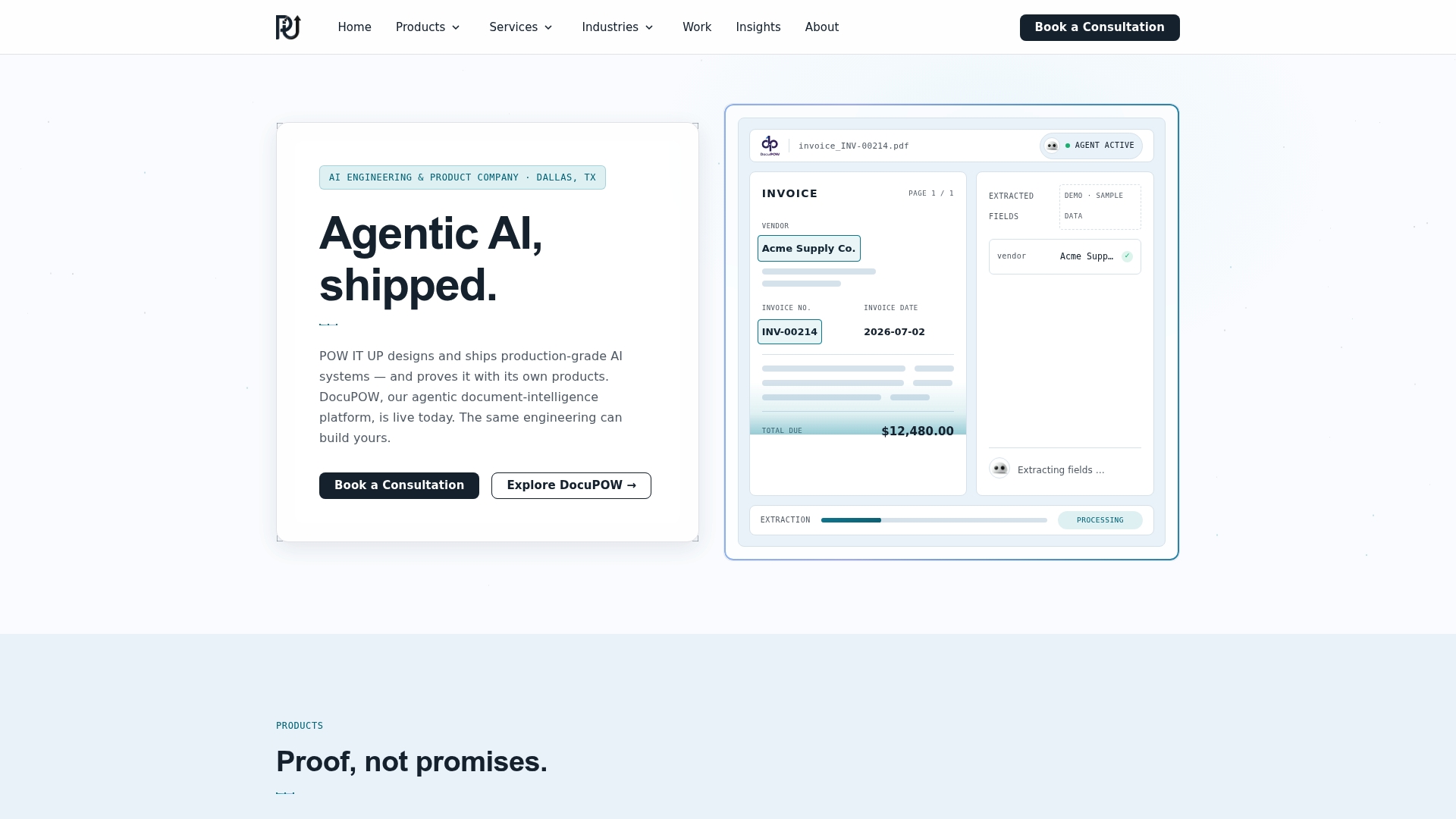
An engagement typically starts with discovery, mapping your actual process and its failure points, then moves into architecture, where the orchestration pattern, timeouts, and approval gates get locked in before a line of agent code gets written. From there, POW IT UP’s AI Agents Development team builds and deploys the system with the same production-readiness rigor covered above: node-level testing, tracing, and monitoring baked in from day one. Document-heavy processes often route through DocuPOW, the firm’s product for automated document reading and validation. Teams juggling data spread across CRMs, ERPs, and internal databases typically start with AI Integration to connect everything the workflow needs to touch. If you’re ready to move past the pilot stage, request a demo or reach out through POW IT UP’s contact page to scope your first production workflow.
Sources
- AI workflow | IBM
- Workflows overview – Microsoft Copilot Studio
- A Practical Guide for Designing, Developing, and Deploying Production-Grade Agentic AI Workflows (arXiv)
- Design and architecture | Camunda 8 Docs
FAQ
Can AI Create Workflows on Its Own?
AI can generate and even design workflow logic, but production-grade systems still need a human-defined orchestration layer, timeouts, and approval gates around what the AI decides. Fully autonomous workflow creation without those guardrails tends to break down under real-world load.
What AI Tool Can I Use to Build a Workflow?
The right tool depends on your team’s technical depth: visual builders like Copilot Studio suit non-engineers, while durable orchestrators and custom stacks suit teams with strict compliance or latency needs. For custom, production-grade builds, a firm like POW IT UP designs the orchestration layer around your specific process instead of forcing it into a generic template.
What Is the Best AI Workflow Builder?
There isn’t a single best builder, since the right choice depends on whether you need a visual canvas, code-level orchestration control, or a durable BPMN engine. Judge any platform against the same checklist: native AI actions, connectors, node-level testing, and human-in-the-loop controls.
Does Microsoft 365 Have a Workflow Tool?
Yes. Microsoft Copilot Studio provides a visual workflow canvas with triggers, AI-driven actions, agent handoffs, and node-level testing for building automated workflows.
What Does POW IT UP Charge for Workflow Design Services?
Pricing for AI Agents Development, AI Integration, and related services is scoped to each project, so current rates are available directly on the POW IT UP site.