

End-to-end workflow automation connects every step of a business process into a single, continuously running digital system so that work moves from trigger to outcome without manual handoffs, data re-entry, or waiting. The primary payoff is scale without headcount: your organization processes more volume, faster, with fewer errors, regardless of how many people you hire.
If any of the following describe your organization right now, this is worth pursuing immediately:
- Frequent handoffs between teams or systems where data gets re-keyed, reformatted, or lost in email threads
- High rework or exception rates where staff spend significant time correcting errors introduced during manual transfers
- Growing audit and compliance pressure where proving process integrity requires manual evidence gathering across disconnected systems
IBM’s definition of workflow automation frames the core value clearly: software replaces manual tasks across all or part of a process, with governance and integration as the two capabilities that determine whether it holds up at enterprise scale. Organizations that have moved from point automation to fully connected workflows consistently report meaningful reductions in cycle time and processing cost across finance, HR, and operations functions.
Key Takeaways
End-to-end workflow automation requires connected orchestration, clean data, AI-enabled decisioning, and governance built in from the start, not bolted on after launch.
| Point | Details |
|---|---|
| Start with process assessment | Map current-state workflows and score candidates by volume and error rate before selecting technology. |
| Build all five architecture layers | Orchestration, integration, data, decisioning, and observability must all be in scope for true end-to-end automation. |
| Pilot before you scale | A 6–12 week pilot on one high-priority process surfaces edge cases and validates KPIs before you commit to enterprise rollout. |
| Govern from day one | Treat every automated process as a software artifact with version control, change control, and audit logging. |
| POW IT UP as your pilot partner | POW IT UP’s discovery-to-production methodology, with DocuPOW and AuraPOW, gives leaders a structured path from backlog to measurable results. |
Table of Contents
- What does “end-to-end” actually mean in workflow automation?
- What business outcomes can leaders actually expect?
- What components do you need to build or buy?
- How do you implement end-to-end automation step by step?
- Where does AI fit in workflow automation?
- What do end-to-end workflows look like in practice?
- How do you govern and secure automated workflows?
- What KPIs should you track, and how do you build the business case?
- What mistakes kill automation projects before they scale?
- How POW IT UP approaches end-to-end automation
- What practitioners actually learn from real implementations
- POW IT UP can take your pilot from design to production
- Sources
- FAQ
What does “end-to-end” actually mean in workflow automation?
Point automation fixes one task. End-to-end automation fixes the whole process. That distinction sounds obvious until you try to scope a project and realize most organizations have dozens of point automations that don’t talk to each other.
Briq defines end-to-end workflow automation as digitizing and connecting every stage of a process to eliminate handoffs and data loss between systems and teams. The word “connecting” is doing the heavy lifting there. A single automated step that dumps output into a shared drive is not end-to-end. A process where each step’s output becomes the next step’s input, tracked in a single orchestration layer, is.
The practical test: if a process failure at step 4 requires a human to manually restart step 5, you have point automation stitched together with hope, not end-to-end automation.
The architecture that makes end-to-end automation work has five layers working together:
- Orchestration engine — the conductor that sequences steps, handles branching logic, manages retries, and tracks state across the entire process
- Integration layer — APIs and iPaaS connectors that move data between systems (CRM, ERP, HRIS, document stores) without custom point-to-point code
- Data layer — a canonical data model and event bus that ensures every system reads from the same version of the truth
- Decisioning layer — rules engines and AI/ML models that make routing, approval, and exception decisions automatically
- Observability layer — monitoring, alerting, and audit logging that gives operations teams real-time visibility into process health
Point automation typically touches only layers 1 and 2 for a single task. End-to-end automation requires all five, owned by a cross-functional team, not a single department.
What business outcomes can leaders actually expect?
The benefits of end-to-end business automation are real, but they vary by process complexity and data quality. Here is what consistently shows up across enterprise implementations:
- Reduced cycle time — processes that took days because of approval queues and manual handoffs often complete in hours or minutes once orchestrated end-to-end
- Lower error and exception rates — removing manual data entry removes the primary source of transcription errors; downstream rework drops proportionally
- Headcount-neutral scaling — transaction volume can grow without a corresponding increase in staff, which is the core financial case for most CFOs
- Improved auditability — every step is logged automatically, which makes compliance reporting faster and audit preparation far less painful
- Faster decisioning — AI-enabled routing and approval workflows cut the time between a business event and the action it requires
The financial signals that follow are predictable: lower cost per transaction, faster cash conversion cycles in finance, and shorter time-to-productive for new hires in HR. Hyland’s guide to intelligent workflow automation emphasizes that these outcomes depend on implementation quality and governance, not just the technology selected.
What components do you need to build or buy?
Getting the architecture right before you buy anything saves significant rework later. The core components and their integration patterns break down as follows.
The five core components
Orchestration/workflow engine sequences process steps, manages state, handles retries and timeouts, and provides the process map that operations teams monitor. Examples include low-code workflow platforms and purpose-built BPM engines.
Integration layer (iPaaS/API gateway) connects disparate systems through pre-built connectors and managed APIs. Practitioner reviews on G2 consistently flag integration complexity as the primary source of project overruns, particularly when connecting legacy ERP systems to modern SaaS applications.
Data layer includes an event bus for asynchronous messaging and a canonical data model that normalizes data across systems. Without this, each integration becomes a custom translation job.
Decisioning layer covers rules engines for deterministic logic and AI/ML models for probabilistic decisions like fraud scoring, document classification, and approval routing. Gartner’s analysis of multiagent systems shows that enterprise-scale automation increasingly relies on distributed AI agents coordinating across organizational boundaries.
Observability/monitoring provides real-time dashboards, alerting on SLA breaches, and full audit logs. Skip this and you will not know a process is broken until a customer or auditor tells you.
Two reference stack scenarios
| Dimension | SaaS-first stack | Enterprise stack |
|---|---|---|
| Orchestration | Low-code workflow platform | BPM engine with private agent runtime |
| Integration | iPaaS with pre-built connectors | API gateway plus on-prem connectors |
| Data layer | Managed event stream | Self-hosted event bus, canonical schema |
| Decisioning | Rules engine + hosted AI APIs | Custom ML models, on-prem inference |
| Observability | Platform-native dashboards | Dedicated APM and SIEM integration |
| Best for | SMB to mid-market, cloud-native | Regulated enterprise, hybrid/on-prem |
Pro Tip: Favor event-driven integration (async messaging via an event bus) when processes cross department or system boundaries and strict real-time response is not required. Use synchronous request/response only where the calling system genuinely needs an immediate answer, such as a payment authorization check. Mixing the two without a clear policy creates brittle dependencies that fail unpredictably under load.
How do you implement end-to-end automation step by step?
Zapier’s guidance on workflow automation makes a point that practitioners learn the hard way: start with a small, high-impact workflow and iterate toward full orchestration. The five-phase roadmap below reflects that principle.
The five phases
-
Assess — Map current-state processes, identify time leaks and handoff points, score candidate processes by volume, error rate, and strategic value. Produce a prioritized automation backlog.
-
Design and prioritize — Define the target-state process flow, select the technology stack, design the data model and integration architecture, and get security and compliance sign-off on the design.
-
Pilot — Build and deploy the highest-priority process in a controlled environment. Measure baseline vs. post-automation KPIs. Identify edge cases and exceptions the design missed.
-
Scale — Extend the platform to additional processes in prioritized waves. Reuse integration connectors and data models built in the pilot to reduce marginal cost per process.
-
Govern and improve — Monitor KPIs, run periodic process reviews, retrain AI models as data drifts, and manage change control for all automation components.
What drives cost
- Integration complexity, especially legacy system connectors with no API
- Data quality remediation before automation can run reliably
- AI model development and ongoing monitoring
- Change management, training, and internal communication
- Licensing costs for iPaaS, orchestration platforms, and AI APIs vs. custom engineering effort
Roles and responsibilities
| Role | Primary responsibility |
|---|---|
| Business owner | Funds the program, sets strategic priorities, resolves cross-department conflicts |
| Process owner | Defines current and target-state process, accepts the automated output |
| Automation architect/engineer | Designs and builds the orchestration, integration, and AI components |
| SRE/ops | Monitors production systems, manages incidents, owns SLA compliance |
| Compliance/InfoSec reviewer | Reviews design for data handling, access control, and regulatory requirements |
Where does AI fit in workflow automation?
AI adds value in three specific places inside an automated workflow: decisioning, document understanding, and anomaly detection. Everywhere else, deterministic rules are faster, cheaper, and easier to audit.

Gartner’s enterprise automation research highlights multiagent architectures as the direction for complex, cross-system workflows. The pattern works like this: a coordinating agent receives a process trigger, delegates subtasks to specialized agents (a document extraction agent, a validation agent, an approval-routing agent), and assembles the result. Each agent operates within defined guardrails and escalates to a human reviewer when confidence falls below a threshold.
Practical AI use cases inside automated workflows:
- Automated document validation — AI agents extract, classify, and validate fields from invoices, contracts, or onboarding documents, flagging exceptions for human review rather than rejecting outright
- Predictive routing — ML models route cases to the right queue or approver based on historical patterns, cutting average handle time
- Anomaly detection — models flag transactions or process states that deviate from expected patterns before they become failures
Pro Tip: For any AI-enabled step in a production workflow, define an explicit confidence threshold below which the system routes to a human reviewer. FutureFactors recommends keeping human review active for the first several hundred runs of any new AI workflow, then tightening the threshold as the model’s real-world accuracy becomes clear. Skipping this step is the fastest way to automate errors at scale.
The tradeoff between reliability and autonomy is real. A fully autonomous AI step is faster but introduces model drift risk. A human-in-the-loop step is slower but catches the edge cases the model was not trained on. Most production workflows land somewhere in between, with autonomy increasing as model confidence data accumulates.
What do end-to-end workflows look like in practice?
Four cross-functional examples show how connected automation changes the before/after picture.
Invoice-to-pay (finance)
- Flow: Invoice received → AI agent extracts and validates fields (DocuPOW-style document intelligence) → three-way match against PO and receipt → auto-approve within policy limits → payment scheduled → GL posted
- Before: an average cycle time measured in multiple days, with a noticeable exception rate requiring manual intervention
- After: Sub-24-hour cycle for straight-through invoices, exceptions routed automatically with context attached
Employee onboarding (HR)
- Flow: Offer accepted → identity verification → system access provisioning → equipment request → compliance training assignment → 30/60/90-day check-in scheduling
- Before: several days of coordinator time spread across multiple systems; frequent missed steps
- After: Automated onboarding completes provisioning in hours; coordinator reviews exceptions only
Case routing and SLA enforcement (customer service)
- Flow: Case created → AI classifies type and urgency → routed to correct queue → SLA timer starts → escalation triggered automatically at 80% of SLA window
- Before: Manual triage, inconsistent routing, SLA breaches discovered after the fact
- After: Touchless routing for 70–80% of cases; SLA compliance visible in real time
Order fulfillment (operations)
- Flow: Order placed → inventory check → warehouse pick/pack instruction → carrier label generated → tracking pushed to customer → exception flagged if shipment stalls
- Before: Separate systems for OMS, WMS, and shipping; manual status checks; customer service fielding “where is my order” calls
- After: End-to-end visibility; AuraPOW-style monitoring flags stalled shipments before customers notice
monday.com’s workflow automation examples illustrate how trigger-condition-action logic applies across these scenarios at the task level, which is a useful starting point for scoping individual steps within a larger orchestrated flow.
How do you govern and secure automated workflows?
Governance is not a post-launch activity. The organizations that run automated workflows safely treat governance as a design constraint from day one.

The structural model that works: an executive sponsor owns the program’s strategic mandate and budget. A Center of Excellence (COE) sets standards for how automation is built, tested, and deployed. Process owners accept accountability for the automated output. Security and compliance reviewers sign off on every design before it reaches production.
The specific controls that matter most:
Access control — every automated process runs under a service identity with least-privilege permissions. No shared credentials, no human accounts used by bots.
Audit logging — every step, decision, and data transformation is logged with a timestamp, actor identity, and input/output snapshot. This is what makes regulatory audits survivable.
Data lineage — the system can trace any output back through every transformation that produced it. Critical for financial reporting and healthcare data.
Model governance — AI models used in decisioning steps have documented training data, performance baselines, drift monitoring, and a defined retraining schedule.
Retention and encryption — data at rest and in transit is encrypted; retention schedules match regulatory requirements for the process category.
The governance principle that saves the most time: treat every automated process as a software artifact. It goes through version control, code review, a staging environment, and a change-control ticket before it touches production. Teams that skip this because “it’s just a workflow” are the ones rebuilding from scratch after an incident.
Pro Tip: Map your automation governance process to your existing IT change control framework rather than building a parallel one. Reusing the same change advisory board, the same approval gates, and the same rollback procedures reduces friction and keeps security teams engaged rather than bypassed.
What KPIs should you track, and how do you build the business case?
The KPIs that matter for end-to-end automation fall into three categories: speed, quality, and cost.
- Cycle time — time from process trigger to completion; measure at the process level and by step
- Touchless rate — percentage of process instances that complete without human intervention; the primary indicator of automation maturity
- Error/exception rate — percentage of instances that require rework or manual correction
- Throughput per FTE — volume processed per full-time equivalent; the headcount-neutral scaling metric
- Cost per transaction — total process cost divided by volume; tracks financial efficiency over time
- SLA compliance rate — percentage of instances completed within the defined service window
Data sources: your orchestration engine’s process logs, your ERP or financial system for cost data, and your ticketing or case management system for SLA data.
Simple ROI calculation framework
These are illustrative ranges drawn from enterprise automation project patterns, not guaranteed outcomes. Your actual numbers depend on process complexity, data quality, and implementation quality.
What mistakes kill automation projects before they scale?
The failure modes in automation are predictable. Most of them appear in the first pilot.
Automating a broken process is the most expensive mistake. If the manual process has unclear ownership, inconsistent inputs, or undefined exception handling, automation makes those problems faster and harder to fix. Fix the process first.
Skipping data cleanup means the automation runs on bad data and produces bad outputs at machine speed. Data quality assessment belongs in the Assess phase, not the post-launch incident review.
Ignoring observability leaves teams blind to failures until a downstream system or a customer reports a problem. Every production automation needs alerting on SLA breaches, error rate spikes, and unexpected process terminations.
No human review for high-risk outputs is the AI-specific version of the same mistake. An AI model that approves transactions, classifies sensitive documents, or routes compliance cases needs a human checkpoint until its real-world accuracy is established.
The pattern that separates successful programs from failed ones: teams that treat the pilot as a learning exercise, not a proof of concept, consistently outperform teams that treat it as a gate to scale. A pilot that surfaces 15 edge cases is more valuable than one that runs clean on the 20 test cases you designed for it.
This turns an abstract reliability concern into an operational policy that teams can actually enforce.*
How POW IT UP approaches end-to-end automation
POW IT UP’s methodology starts where most vendors skip: the time-leak hunt. Before any code is written, the team maps the current state process at the task level, identifies where time, data, and decisions disappear into manual steps, and scores each gap by volume and business impact.
The engagement model follows five steps:
- Discovery and process mapping — structured interviews, process observation, and system audit to produce a prioritized automation backlog
- Architecture design — selecting the orchestration, integration, and AI components that match the client’s existing stack and security posture
- Rapid pilot — a production-grade build of the highest-priority process, typically delivered in 6–10 weeks, with baseline vs. post-automation metrics tracked from day one
- Production engineering — hardening the pilot for scale: error handling, observability, access control, and change control integration
- Managed scale and continuous improvement — quarterly process waves, model retraining, and KPI reviews
In practice, clients using POW IT UP’s approach have seen invoice processing cycle times drop from multiple days to same-day for straight-through transactions, and onboarding completion rates improve substantially when manual provisioning steps are replaced with orchestrated automation. DocuPOW handles document extraction and validation inside these workflows. AuraPOW provides the monitoring layer for portfolio and client health signals, giving operations teams real-time visibility without building custom dashboards.
For a deeper look at back-office automation candidates and how to prioritize them, POW IT UP’s published guides cover the selection criteria in detail.
What practitioners actually learn from real implementations
The gap between what automation promises in a vendor deck and what it delivers in production usually comes down to three things that no one mentions in the sales cycle.
First, stakeholder alignment is the actual critical path, not the technology. The orchestration engine is the easy part. Getting the finance team, the IT team, and the compliance team to agree on what “correct output” looks like for an automated invoice approval is where projects stall. Lock down that definition before the pilot starts, not during it.
Second, iterative delivery beats big-bang launches every time. A process automated in four quarterly waves, each one building on the last, produces better outcomes than a 12-month program that delivers everything at once. The feedback loops from each wave improve the next one in ways no upfront design can anticipate.
Third, the organizations that sustain automation programs treat them like products, not projects. A project has a launch date and a budget. A product has an owner, a roadmap, and a continuous improvement cycle. The difference shows up 18 months after go-live, when the first group’s automation is drifting and the second group’s is getting better.
POW IT UP can take your pilot from design to production
If you have identified a high-priority process and need a partner who can move from discovery to a production-grade build without a 12-month engagement, POW IT UP is built for exactly that.
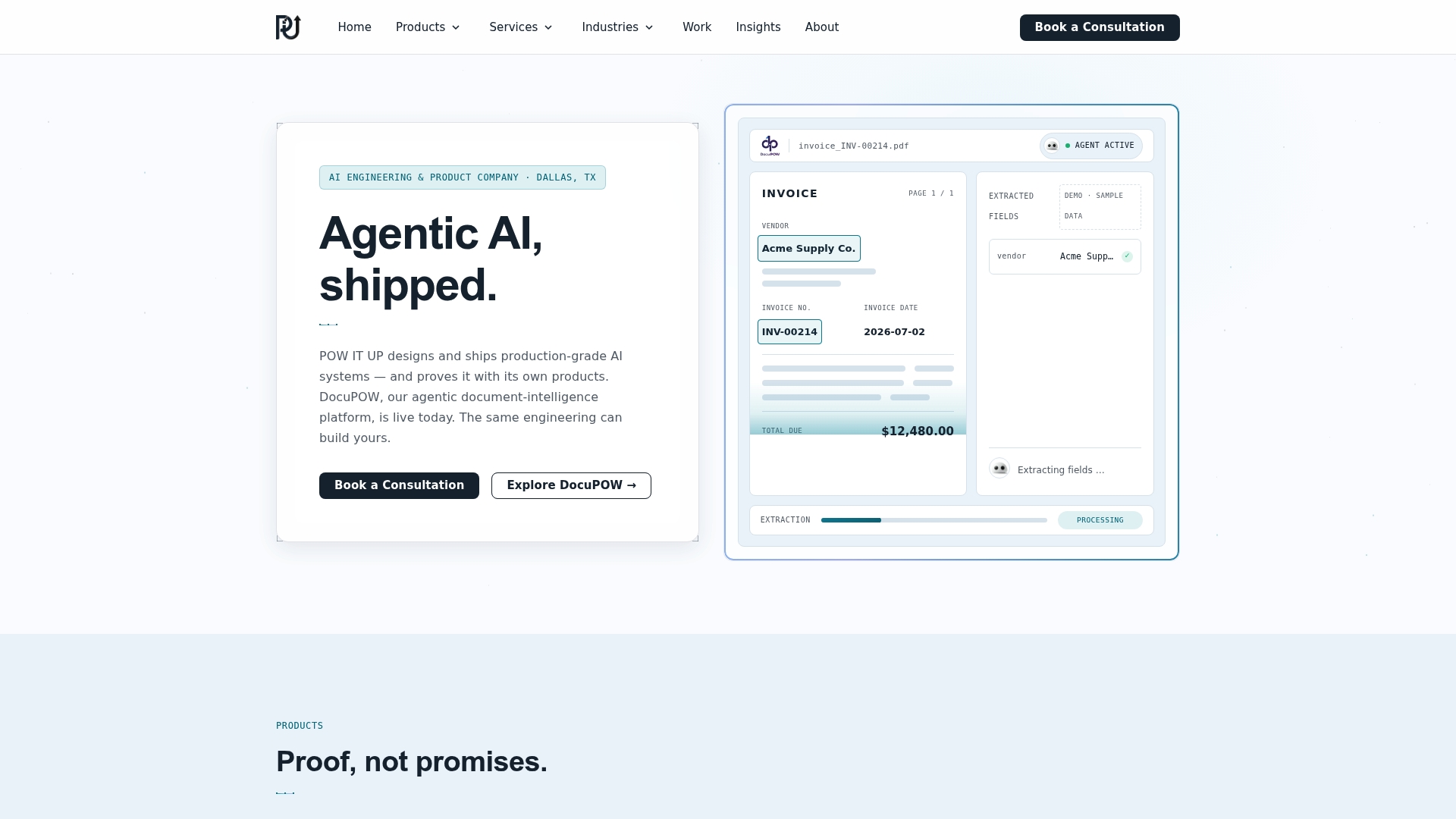
POW IT UP designs and deploys custom AI automation systems for business and IT leaders who need connected workflows, not point fixes. DocuPOW handles document intelligence inside those workflows. AuraPOW provides the monitoring and client health analytics layer. The engagement starts with a structured discovery session that produces a prioritized automation backlog and a pilot scope you can take to your CFO.
Ready to scope your first end-to-end pilot? Start with POW IT UP’s AI integration services to book a discovery session and get a concrete project estimate.
Sources
The sources below represent the strongest publicly available guidance on end-to-end workflow automation, organized by what each one is most useful for.
- Workflow automation: What it is, why it matters, and how you can use it
- What Is End-to-End Workflow Automation? | Briq
- A comprehensive guide to intelligent workflow automation
FAQ
What is an end-to-end workflow?
An end-to-end workflow is a complete business process, from the initial trigger to the final outcome, where every step is connected and the output of each step feeds automatically into the next. No manual handoffs, no data re-entry between systems.
What are common examples of workflow automation?
Invoice processing, employee onboarding, customer case routing, and order fulfillment are among the most frequently automated workflows. Each follows a trigger-condition-action pattern where a business event starts a sequence that runs without human intervention for straight-through cases.
What is the difference between point automation and end-to-end automation?
Point automation handles a single task in isolation. End-to-end automation connects every step of a process through an orchestration layer, a shared data model, and integrated systems, so the entire process runs as one continuous digital flow.
Which AI capabilities matter most for workflow automation?
Document intelligence (extraction and validation), predictive routing, and anomaly detection deliver the clearest ROI inside automated workflows. POW IT UP’s DocuPOW applies document intelligence specifically to validation-heavy processes like invoice and contract review, where manual field checking is the primary time sink.