

An autonomous workflow is a business process that an AI agent runs from trigger to result: it reads the request, decides which steps and tools are needed, acts in your systems, and hands only the exceptions to people. Operational excellence comes from pairing that autonomy with clear rules, confidence thresholds and measurement, so volume can grow without headcount growing in step. We build these systems as custom digital workforces at POW IT UP, and the principles below apply whoever builds yours.
TL;DR
- Autonomous workflows differ from classic automation in one way: the agent chooses its own steps toward a goal instead of following a fixed script.
- Start with high-volume, rule-heavy, costly-when-wrong processes, and score them before choosing any technology.
- Excellence comes from design: rules for the routine, AI judgment for the ambiguous, humans for high-risk exceptions.
- Measure touchless rate, cycle time, accuracy and margin, not hours saved alone.
- Custom, context-aware agents built around your own systems and data outperform generic scripts for core operations.
Table of Contents
- What an autonomous workflow actually is
- Autonomous agents versus scripts, copilots and chatbots
- Which processes to automate first
- Designing the workflow: rules, judgment and people
- What good results look like
- Measuring operational excellence
- Governance that keeps autonomy safe
- Why custom agents beat generic scripts
- Perspective
- Where to start with POW IT UP
- FAQ
- Sources
What an autonomous workflow actually is
An operational workflow is the repeatable sequence of steps that turns an input into a result: an invoice becomes a payment, a claim becomes a decision, an order becomes a delivery. Most companies run dozens of them, and most of those still depend on people moving information between systems.
An autonomous version replaces that human relay. Microsoft’s documentation on agentic workflows describes the pattern as an agent loop: a trigger starts the workflow, a large language model (LLM, the AI that interprets language) reads the instructions and plans which tools to call, and the agent returns the results, working through multi-step problems without a human at each step.
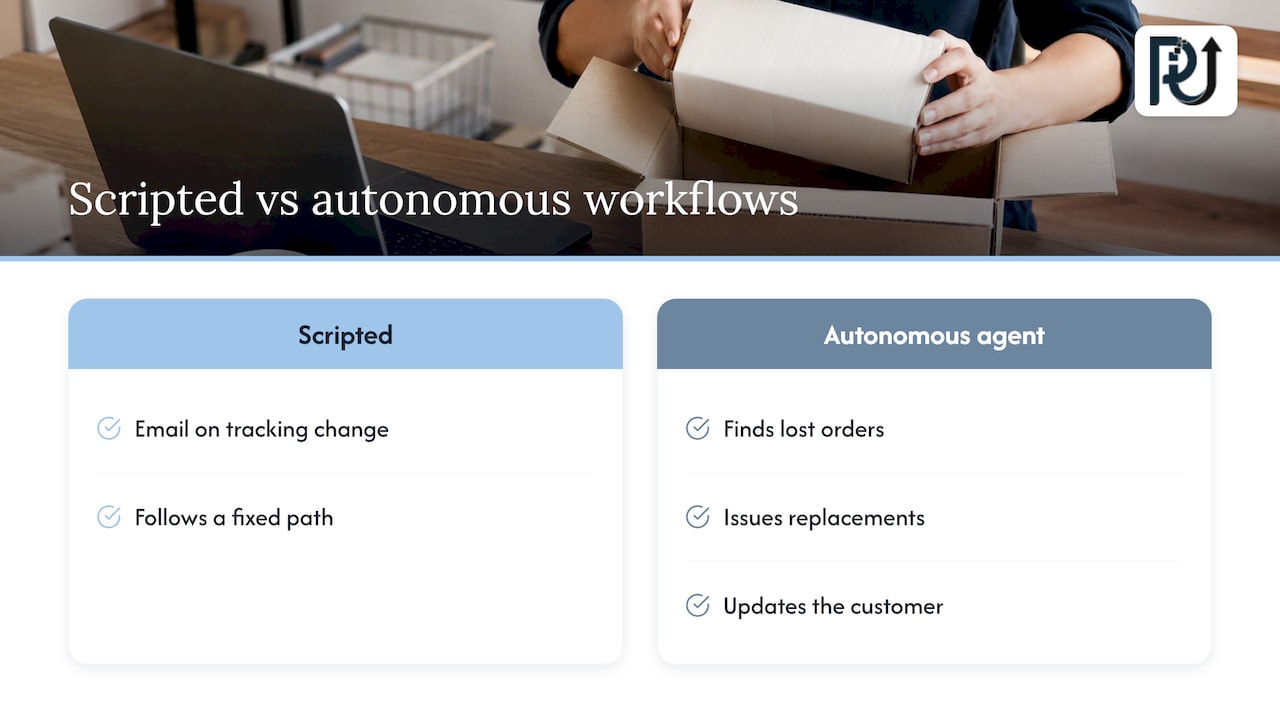
The practical difference from older automation is easiest to see in a delayed-order example. A scripted workflow can send a templated email when a tracking status changes. An autonomous agent can look up the order, see that it was lost in transit, issue a replacement and update the customer, because it decides the steps rather than following a fixed path.
Autonomous agents versus scripts, copilots and chatbots
The terms get mixed up, and buying the wrong kind is the most common early mistake. Cloudflare’s agent documentation draws a useful line:
| Type | How it behaves | Best for |
|---|---|---|
| Scripted workflow | Linear, deterministic path, same steps every time | Stable, predictable tasks with no ambiguity |
| Copilot | Augments a person, who stays in the loop | Drafting, research, decision support |
| Autonomous agent | Non-linear and adaptive, can recover from failures and adjust to intermediate results | Multi-step operations with variable inputs |
A chatbot answers questions. A scripted workflow moves data when a rule fires. An agent does the work: it reads a document, checks it against policy, updates the record and escalates what it cannot settle.
Autonomy is also a spectrum, not a switch. Some agents pursue a goal you set and only choose their own tools; others go further. For business operations, the first kind is almost always the right one. You set the goal and the guardrails, and the agent works inside them.
Which processes to automate first
Most failed automation projects start with a tool. Successful ones start with a list of processes and a scoring method. A six-step process automation guide from G2 recommends looking for work that is repetitive, rule-based, high-volume and costly when delayed or done wrong, and it scores each candidate on four criteria: frequency, rule-based logic, error impact and volume.
Here is how that looks in practice for an operations leader:
- List every process that touches money, customers or compliance. Include the invisible ones: re-keying data between systems, chasing missing documents, reconciling spreadsheets.
- Score each on volume, frequency, error cost and rule clarity, from 1 to 5.
- Separate the routine from the ambiguous. Routine, rule-heavy work suits plain automation. Work that needs reading, interpreting or weighing context is where agents earn their place.
- Pick one process with a clear owner and a measurable result, and prove it before widening.
A worked example: a small lending team receives 400 loan packets a month. Each packet takes 35 minutes of staff time to read, check and key in. Volume is high, rules are clear, errors are expensive, and the documents vary in format. That process scores near the top on every criterion, and it is where document intelligence belongs. Our fintech workflow automation examples walk through similar cases.
The same logic applies in healthcare practices (intake and eligibility paperwork), logistics (load and rate confirmation), accounting firms (client document collection) and e-commerce (order exceptions and returns).
Designing the workflow: rules, judgment and people
Operational excellence is not the absence of human involvement. It is putting people where they add the most value. A well-designed autonomous workflow has three layers.
Layer 1: deterministic rules for what never changes
Policy thresholds, required fields, approval limits and compliance checks should be hard rules, not model guesses. Rules are replayable and auditable, which matters when someone asks why a decision was made.
Layer 2: AI judgment for what varies
Reading an unstructured document, classifying an inquiry, matching a payment to an account: this is where an LLM-driven agent handles variation that a script would break on. Each judgment should produce a confidence score, not just an answer.
Layer 3: human oversight for what carries risk
Confidence thresholds decide what happens next. E100, a fuel-card company, describes multi-stage logic gates that classify transactions by confidence, keeping high-risk cases under strict human supervision. Its chief data officer’s point is that autonomy does not mean less control: oversight shifts toward managing exceptions.
Freight broker T3RA uses a traffic-light model reported by The AI Journal: green actions run automatically, yellow need one-click approval, and red stay human-only. Its founder says agents can gather data, propose actions and execute well-defined steps, while final decisions affecting contracts and relationships should sit with people.
You can copy that structure for any workflow:
- Green: high confidence, low value at risk, runs automatically and is logged.
- Yellow: medium confidence or moderate value, routed to a person for a single approval.
- Red: low confidence, high value or legal consequence, handled by a person with the agent’s prepared summary.
The thresholds are business decisions. Set them with finance, compliance and operations in the room, and tighten or loosen them as evidence accumulates.
Exception handling is the real design work
The happy path is easy. What separates a durable system from a demo is what happens when a document is illegible, a system times out or an input matches no known pattern. Every workflow needs a defined exception queue, an owner for it, a service-level target for clearing it, and a feedback loop so recurring exceptions become new rules or training examples.
What good results look like
Numbers from real deployments help set expectations, though every business differs.
E100’s fuel-card agent confirms customer payments and places advance funds. Average processing fell from about 60 minutes to a 5-minute service-level target. The reported results include 96.08% accuracy, 99% rule coverage, 88% of decisions made touchlessly, a two-month payback and annual ROI above 500%.
In freight, T3RA reports double-digit reductions in touches per load in a representative cohort. By its own internal estimates, its pricing agent saves about $40,000 a month and supports a margin shift from roughly 11% to 15%.
These are company-reported figures from specific workflows with high volume and clear rules. Treat them as proof of what the pattern can do when the process is well chosen, not as a promise for any process. For agencies in particular, reported AI productivity results for agencies show how operational gains translate into business value.
Measuring operational excellence
“Hours saved” is the weakest metric because it is hard to verify and easy to inflate. Track a small set tied to outcomes:
| Metric | What it tells you |
|---|---|
| Touchless rate | Share of cases completed with no human action |
| Cycle time | Time from trigger to completed result |
| Accuracy | Share of outputs correct against a reviewed sample |
| Exception rate and clearing time | Whether the design is maturing |
| Cost per transaction | Whether volume can grow without headcount |
| Margin or return on assets | Whether the gains reach the P&L |
Set baselines before launch. Without a measured starting point, you cannot show improvement, and you cannot defend the investment.
The link between organization and results has research support. A Harvard Business School working paper surveyed 202 AI-active U.S. enterprises, informed by interviews at 29 organizations. It found seven recurring domains of an AI operating model, and higher behavioral scores were associated with greater improvement in return on assets and operating margin over 2022 to 2025. The authors suggest that as deployments spread, firms should invest in shared systems for reusable context, orchestration and systematic evaluation alongside the agents themselves.
The lesson for a mid-sized company: do not build each agent as an island. Shared data access, common logging and one evaluation method make the second and third workflows far cheaper than the first. The technology foundation matters too: platforms with integrations and custom workflows built in show why connected systems and audit trails are what let operations scale.
Governance that keeps autonomy safe
Governance is what lets leaders say yes to autonomy. A workable baseline:
- Define decision rights. Write down which decisions an agent may make, which it may propose, and which stay human.
- Log everything. Every input, decision, confidence score and action should be traceable and replayable.
- Limit permissions. An agent should have access only to the systems and actions its workflow needs.
- Review samples continuously. Even at 95% accuracy, a steady human review of a sample catches drift early.
- Keep a fast off-switch. Any workflow should be pausable without breaking the surrounding process.
Regulated work (lending, insurance, healthcare administration) adds its own requirements. Have your compliance officer or counsel confirm which rules apply to each workflow before it goes live, and build those checks into the red lane from day one. Our guide to AI workflow optimization and governance goes deeper on this.
Why custom agents beat generic scripts
Generic tools handle generic work. Your operations are not generic: your document formats, exception patterns, approval rules and system mix are specific to you. An agent that understands your context can handle variation without a developer rewriting a script each time something changes.
That is the reasoning behind how we build. We design digital workforces from context-aware agents, with transparent processes and systems you own and can maintain. Our AI agents development work starts with the process scoring described above, not with a tool. For a broader operating view, see our guide to workflow excellence through AI.
Perspective
Most companies do not have an AI problem. They have time leaks: places where skilled people spend their days reading, re-keying and chasing instead of deciding.
Our view is that the right answer is a digital workforce engineered around your processes, not a stack of generic scripts. Agents that read context, act across your systems and escalate honestly are what let volume grow without a matching rise in headcount.
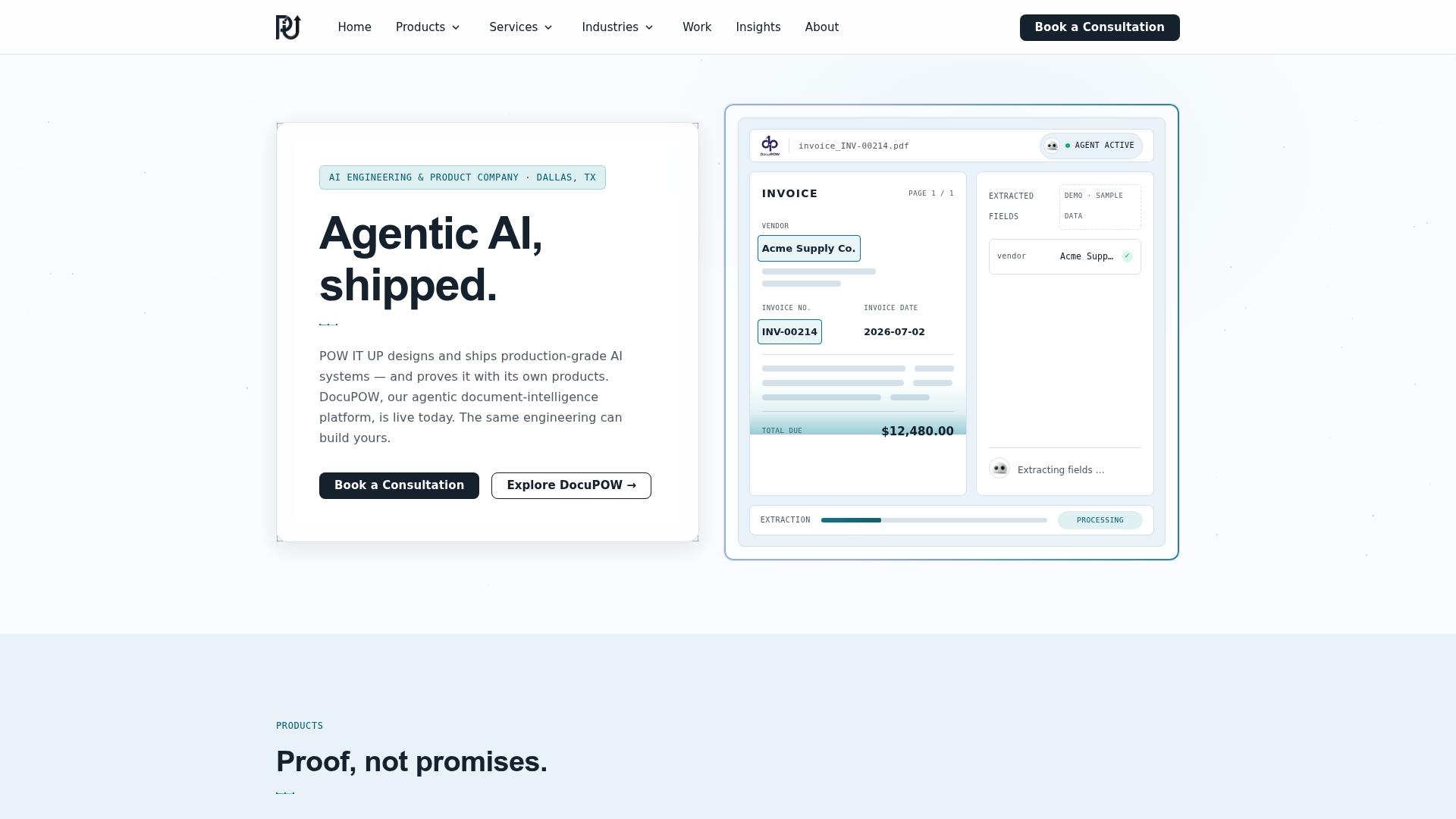
We build for accountability. That means documented engineering, transparent processes, and systems the client owns and can maintain. DocuPOW, which reads and validates documents, is a live product you can see running, because we think claims about autonomy should be demonstrable.
The companies that get operational excellence from autonomous workflows treat them as an operating discipline: pick the process, set the guardrails, measure the result, then repeat.
Syed Naveed Abbas
Where to start with POW IT UP
If you have a high-volume process in mind, the fastest route is to scope it against the criteria above. We build custom agents and automation for fintech, healthcare, service businesses, logistics, e-commerce and more, and for document-heavy work we offer DocuPOW, our product for reading and validating documents, with live demos available.
To discuss a workflow, see our AI automation services or start from powitup.com.
FAQ
What is an operational workflow?
It is the repeatable sequence of steps that turns an input into a business result, such as an invoice into a payment or an application into a decision. Operational workflows are where time leaks and errors accumulate, which is why they are the target of automation.
What does process excellence mean?
It means running core processes consistently, with measurable quality, speed and cost, and improving them over time. Autonomous workflows support it by applying the same rules every time, logging every decision and exposing exceptions for improvement.
How can AI improve operational efficiency?
AI agents take on reading, classifying, matching and updating work that people do manually, so cycle times drop and volume grows without added headcount. Reported cases such as E100’s fuel-card workflow show large reductions in processing time when the process is well chosen.
Do autonomous workflows remove people from operations?
No. They move people from routine handling to exception management and decisions that carry risk. Confidence thresholds decide which cases a person sees, so human attention goes where it matters most.
How long does it take to see results?
It depends on the process and the quality of your data. Starting with one well-scored process, with baselines set beforehand, lets you measure improvement early and expand with evidence. For cost context, see our AI automation cost and ROI breakdown.
Sources
- What are AI agentic workflows? (Microsoft Learn)
- What are agents? (Cloudflare Agents docs)
- How to Automate Business Processes: 6-Step Guide (G2)
- How E100’s AI agent achieved 88% touchless execution
- From manual freight chaos to AI agents (The AI Journal)
- Organizing AI at Enterprise Scale (Harvard Business School)
- AI for agencies: productivity results
- Integrations and custom workflows