
Digital growth infrastructure is the set of connected systems, shared data, automated workflows and governance rules that lets a business take on more customers, orders or transactions without a matching rise in manual work or headcount. It is not one tool or one platform. It is the operating layer underneath your sales, service, finance and delivery, designed so work moves cleanly from one step to the next. This guide explains what belongs in it, where AI agents fit, how to build it in order, and how to tell whether it is working.
TL;DR
- Digital growth infrastructure is an operating model in which systems share data and hand work off cleanly, rather than a pile of isolated tools.
- It has two halves: a stable operational backbone for core processes, and a flexible digital platform for new offerings and revenue growth.
- AI automation fits best on repetitive, high-volume, rules-heavy work, started small and kept under human oversight.
- Build in stages: fix the urgent bottleneck first, then lay foundations, and never try to build everything at once.
- Measure it with cycle time, incident frequency, manual work volume, data freshness and reconciliation speed against a baseline.
Table of Contents
- What digital growth infrastructure actually means
- The building blocks
- How the pieces create scale
- Where AI automation and AI agents fit
- A step-by-step way to build it
- Security, privacy and human oversight
- How to measure whether it is working
- Our perspective
- Build the backbone with us
- FAQ
- Sources
What digital growth infrastructure actually means
The phrase mixes two ideas that are often kept apart. “Digital infrastructure” in the policy world usually means networks and physical assets. One U.S. policy guide separates dedicated digital infrastructure such as fiber-optic networks from hybrid infrastructure, where digital components are built into physical systems, like sensors in water mains. That is public infrastructure, and it is not what a business owner is usually asking about.
Inside a company, the meaning is closer to an operating model. One investment-firm perspective describes it as systems that work together, with clean handoffs and shared data, instead of isolated tools that each hold part of the picture. The “growth” part is the point: the infrastructure is judged by whether it lets volume rise faster than cost.
MIT researchers draw a useful line between two layers. The operational backbone and the digital platform are different jobs. The backbone integrates systems for accounting, invoicing, logistics and back-office work. The platform supports rapid development of new digital offerings and targets revenue growth. A business that only builds the second layer ends up with a nice front end sitting on manual, error-prone processes. A business that only builds the first runs efficiently but cannot launch anything new quickly.
Why a stack of tools is not infrastructure
Most growing companies already own plenty of software: a CRM, an accounting package, a help desk, a billing tool, a shared drive. The problem is rarely a missing tool. It is the gaps between them, where someone copies a number from an email into a spreadsheet, retypes an invoice line, or chases an approval by message. Each gap is a place where work waits, errors enter, and headcount has to grow just to keep up.
Infrastructure closes those gaps. The tools stay, but the data moves between them on its own, the same record means the same thing everywhere, and exceptions go to a person with the context to resolve them.
The building blocks
MIT Sloan identifies five building blocks of digital transformation: an operational backbone, a digital platform, shared customer insights, an accountability framework, and an external developer platform. For most small and mid-sized U.S. businesses, the first four matter most. The fifth, opening your platform to outside developers, is a later-stage move.
Here is how those translate into practical terms.
| Building block | What it means in practice | Typical examples |
|---|---|---|
| Operational backbone | Integrated, shared systems, processes and data that give efficiency, reliability and transparency in transactions | Accounting, invoicing, order management, document intake, reconciliation |
| Digital platform | Reusable components that let you launch new offerings quickly | Customer portal, APIs, self-service onboarding, product catalog |
| Shared customer insight | One view of the customer across teams | Unified CRM data, account health scoring, support history |
| Accountability framework | Clear owners, targets and ways to track value | KPIs per process, review cadence, named process owners |
Underneath all four sits the shared technical layer. MIT’s Center for Information Systems Research describes digital infrastructure as shared IT and digital services used by multiple applications, such as servers, networks and customer databases, with capabilities including connectivity, APIs, identity management, master-data management and data storage. In plain terms: reliable connections, a way for systems to talk to each other, a way to know who is allowed to see what, and one agreed version of core data such as customer, product and vendor records.
Data is the part that breaks first
If two systems disagree about who a customer is, no amount of automation on top will help. Master data, meaning the clean, agreed records for customers, products, vendors and accounts, is the unglamorous foundation. Before connecting anything, decide which system owns each record type and how changes flow.
Governance is part of the build, not a late add-on
Compliance and controls are easy to treat as paperwork to deal with after launch. One growth-focused view argues the opposite: compliance functions, often seen as obstacles, become market access enablers when designed into the infrastructure of a scaling company. If you sell into regulated fields such as finance or healthcare, audit trails, access controls and retention rules built in from the start are what let you say yes to larger customers. For a closer look at that idea, see this piece on integrating new technologies into your strategy, which covers designing compliance into technology operations so it supports growth rather than blocking it.
How the pieces create scale
The operational backbone supports core operations and, when designed well, creates stability and scalability, while the digital platform supports speed and innovation. The two work as a pair. The backbone makes sure the 10,000th order is processed the same way as the 100th. The platform makes sure you can add a new service line without rebuilding everything.
The mechanics are concrete. One analysis notes that automated provisioning, repeatable support processes and consistent billing operations help teams support more customers without adding the same amount of manual work. Think about what that means in an ordinary service business:
- A new client signs. Their details flow from the CRM into billing and project systems without retyping.
- Documents they send are read, checked and filed automatically, with only the odd exception routed to a person.
- Invoices go out on a schedule, payments are matched, and mismatches are flagged rather than discovered at month end.
- Account health shows up on a dashboard, so the team acts before a client churns.
None of this is exotic. The gain comes from doing it consistently, at any volume, and from freeing skilled people to handle the cases that need judgment.
Where AI automation and AI agents fit
Traditional automation follows fixed rules: if this field equals that value, do the next step. AI agents add the ability to handle messier inputs, such as a scanned invoice in an unfamiliar layout, an email asking a question, or a record that does not quite match. They sit on top of the backbone and take on the high-volume transactional work that used to need a person for every item.

The U.S. Small Business Administration says AI can improve small business efficiency by automating repetitive tasks, generating content, assisting decisions through data analysis and safeguarding systems. An earlier SBA piece explains that cognitive analytics automates decision-making solutions, while predictive analytics forecasts from existing data. Both belong in the picture, but they do different jobs.
Which processes to automate first
Good early candidates share a few traits:
- High volume. The task happens dozens or thousands of times a week.
- Rules plus some variation. Documents, emails or records that follow a pattern but arrive in different formats.
- Clear definition of done. You can say what a correct result looks like and check it.
- Contained risk. A mistake is caught and corrected before it reaches a customer or a regulator.
Common examples include document reading and validation, loan or claims intake, invoice matching, task assignment, client onboarding and portfolio or account monitoring. We cover several of these in our guide to AI automation for loan processing and in a piece on how to automate employee task assignment.
The SBA’s advice on adoption is simple: start small and test AI tools to see whether they add value. A single well-chosen workflow with a measured result teaches you more than a company-wide rollout. Our pilot-first plan for small and mid-sized businesses lays out how to scope one.
A step-by-step way to build it
The consistent advice is to separate urgent bottlenecks from foundational investments, build in an order that suits your stage, and avoid building everything at once. Here is a sequence that follows it.
Step 1: Map where work waits
Walk through one process end to end, such as quote to cash or intake to approval. Note every handoff, every place data is retyped, and every queue where items sit. These are your “time leaks.” Ask the people who do the work, not just the managers.
Step 2: Set a baseline
MIT CISR’s guidance is to establish a baseline using qualitative insight and quantitative performance data before you start. Record how long the process takes, how many items go through, how often they go wrong, and how much staff time they consume. Without this, you cannot prove improvement later.
Step 3: Sort bottlenecks from foundations
Some problems hurt now: a backlog, a manual reconciliation that eats two days each month. Others are foundations that will matter at 3x your size: clean master data, an integration layer, access controls. Fund one urgent fix and one foundation at a time.
Step 4: Pilot one workflow
Pick a process that is high volume and well defined. Build it with a named owner, a target and a review date. Keep a person in the loop for exceptions. Our guide to proving AI consulting ROI in 4 to 8 weeks describes how to frame this.
Step 5: Connect, then extend
Once the pilot works, wire its outputs into the systems that depend on it, then move to the next workflow. This is where an integration layer pays off, because each new automation reuses the same connections and data rules. Our overview of AI integration services for business leaders and the playbook on scaling businesses with AI go deeper on this stage.
Security, privacy and human oversight
Automation moves faster than people, which means mistakes also move faster. U.S. businesses should treat AI risk as part of normal risk management. The National Institute of Standards and Technology’s AI Risk Management Framework asks organizations to manage risks involving privacy, security, harmful bias and reliability, and notes that human intervention may be needed when a system cannot detect or correct its own errors. It also advises integrating AI risk management into broader enterprise strategy, alongside cybersecurity and privacy, rather than handling it as a separate exercise.
In practice that means:
- Route exceptions to people. Define confidence thresholds below which an agent hands the item to a human reviewer.
- Log everything. Keep a record of what the system did and why, so errors can be traced and fixed.
- Limit access. Give each automation only the data and permissions its task needs.
- Test for bias and drift. Check outputs on a schedule, not only at launch.
The Federal Trade Commission has also been direct on two points. Its consumer protection director said the agency will enforce the law against companies that deceive consumers about what their AI products can do or the sales they will generate, so claims about AI capability should be ones you can support. The same remarks stress that models have a continuous appetite for data and that companies should minimize data collection and keep strong retention schedules. If your workflows touch health records, financial data or other regulated information, talk with your compliance officer or counsel about the specific rules that apply to you before going live.
How to measure whether it is working
Infrastructure quality can be tracked through cycle time, incident frequency, manual work volume, data freshness, payment success, support burden, reconciliation speed and the time needed to launch a market or product line. Pick the handful that match your pilot and compare them with your baseline.
| Metric | What it tells you | Good direction |
|---|---|---|
| Cycle time | How long a process takes from start to finish | Down |
| Manual work volume | Hours or items still handled by hand | Down |
| Incident frequency | How often something breaks or needs rework | Down |
| Data freshness | How current the data in each system is | Up |
| Reconciliation speed | How fast records across systems are matched | Faster |
| Launch time | How long a new offering or market takes to go live | Shorter |
MIT CISR’s guidance also calls for prioritized initiatives with clear ownership, disciplined governance and value tracking so outcomes build over time. Review the numbers on a fixed rhythm, monthly for a pilot, quarterly once it is stable. If your teams also track sales operations, this explainer on pipeline health metrics shows how to look beyond a single coverage ratio.
The test that matters most is simple: can volume double while the manual work you track stays flat?
Our perspective
Most companies we meet do not have a tools problem. They have a handoff problem. Someone is copying data between systems, someone else is checking it, and the business grows by hiring more people to do the same copying.
We build against that. Our view is that growth infrastructure should be engineered, not stitched together: custom, context-aware AI agents that understand the process they sit inside, connected to the systems you already run, with clear ownership and documented logic you can maintain after we leave.
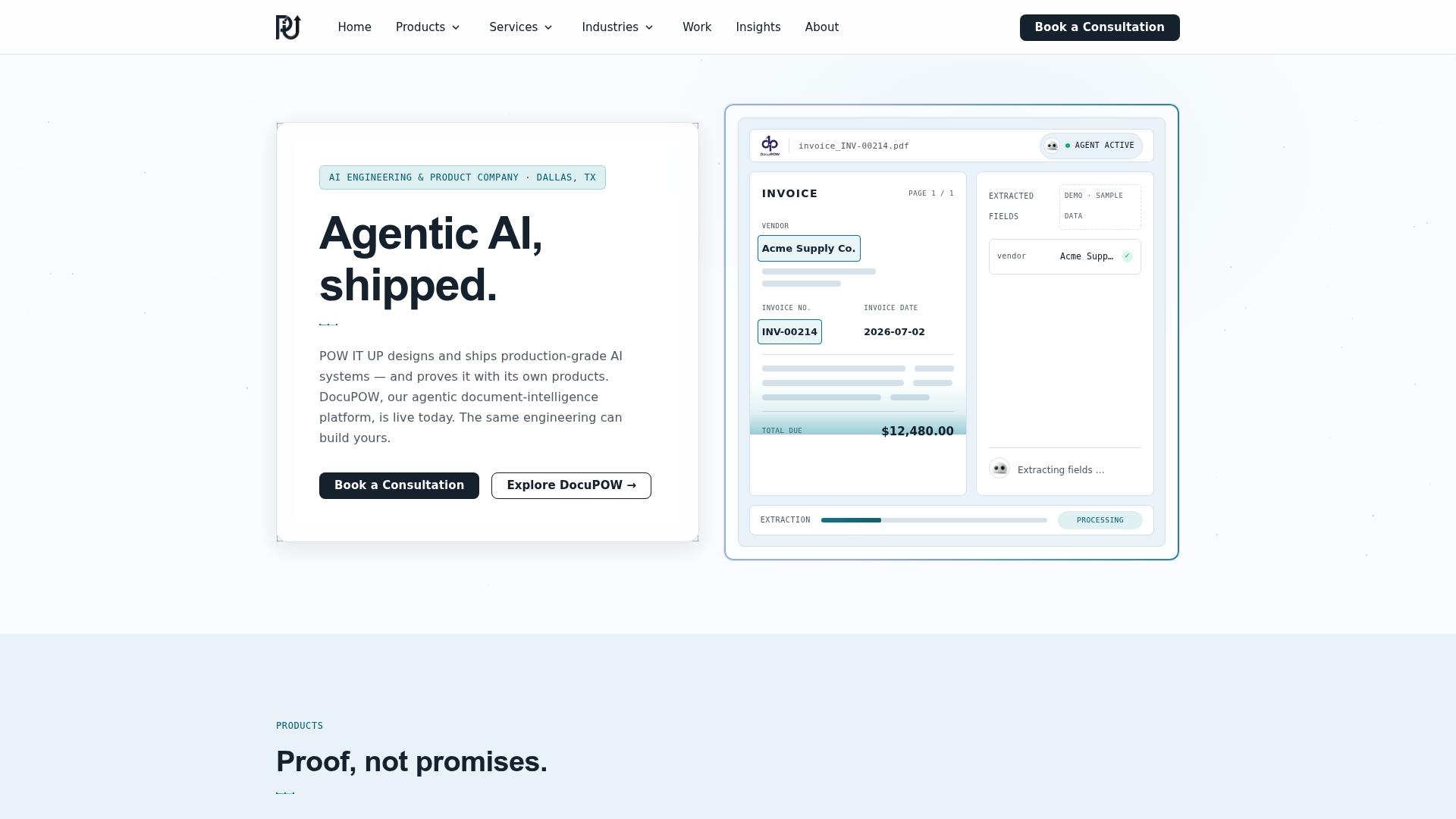
That is why we pair custom builds with products we can show working. DocuPOW reads and validates documents, and AuraPOW monitors portfolios and client health. Both exist because document handling and account monitoring are the places where we see the most time leak out of fintech, healthcare and service businesses.
Our advice is to start with one workflow, measure it against a baseline, keep a person in the loop for exceptions, and expand only when the numbers justify it. Scale should come from the system, not from the headcount.
Syed Naveed Abbas
Build the backbone with us
If you are ready to turn a bottleneck into a working system, POW IT UP designs and deploys custom AI agents and automation for fintech, healthcare, service businesses and other operations-heavy companies. We start with the process, not the technology, and we build systems your team can own and maintain. Explore our AI automation services, see how DocuPOW handles document reading and validation, or talk to us about your first pilot.
For a wider view of how these systems drive revenue, read our guide to business growth systems that scale revenue.
FAQ
What is the difference between digital infrastructure and digital growth infrastructure?
Digital infrastructure is the shared technology layer: networks, servers, databases, APIs and identity systems. Digital growth infrastructure is how a business arranges that layer, plus its workflows, data and governance, so that volume can rise without manual work rising in step. The first is the foundation. The second is the foundation designed for scale.
Do small businesses need digital growth infrastructure?
Yes, in proportion to their size. A small company does not need a large platform, but it does benefit from connected systems and one clean source for customer and financial data. The SBA suggests starting small and testing AI tools to see whether they add value, which is a sensible approach at any size.
Which processes should I automate first?
Choose work that is high volume, follows a recognizable pattern, has a clear definition of a correct result, and carries limited risk if a mistake slips through. Document intake, invoice matching, client onboarding and task assignment are common starting points. Keep a person reviewing exceptions.
How do I know if the infrastructure is paying off?
Compare against a baseline you set before you began. Track cycle time, manual work volume, incident frequency, data freshness and reconciliation speed. If volume rises while those numbers hold steady or improve, the infrastructure is doing its job.
What are the main risks of automating workflows?
The main ones are privacy, security, bias and reliability. NIST’s AI Risk Management Framework recommends managing them as part of your wider enterprise risk approach, and the FTC expects AI capability claims to be truthful. Build in human review, logging, limited access and scheduled testing from the start.
Sources
- A Policymaker’s Guide to Digital Infrastructure, InfrastructureUSA
- How to master two different digital transformations, MIT Sloan
- 5 building blocks of digital transformation, MIT Sloan
- Succeeding at Digital Requires More Infrastructure, MIT CISR
- Digital Infrastructure and the Next Phase of Company Growth, Phoenix Portfolio Partners
- AI and small business, U.S. Small Business Administration
- Smart advice on time efficiencies, U.S. Small Business Administration
- Artificial Intelligence Risk Management Framework (AI RMF 1.0), NIST
- Prepared remarks of Christopher Mufarrige, Federal Trade Commission
- Integrating New Technologies into Your Business Strategy
- Pipeline Health Metrics: What 4x Coverage Misses for RevOps